
YOUR ALL-IN-ONE HUB FOR INDEPENDENT EDUCATORS
Run your business. Teach your students. Grow your education business – all in one place.
SuperTeacher gives independent teachers, tutors, mentors, and coaches the tools to manage their business, teach online, and create a better experience for their students – without piecing everything together across different tools.

Built for educators who want to do more independently.
Features & Benefits
Everything you need to run and grow your education business
From managing students, bookings, and payments to preparing and delivering your sessions, SuperTeacher helps you keep your entire edu business streamlined.
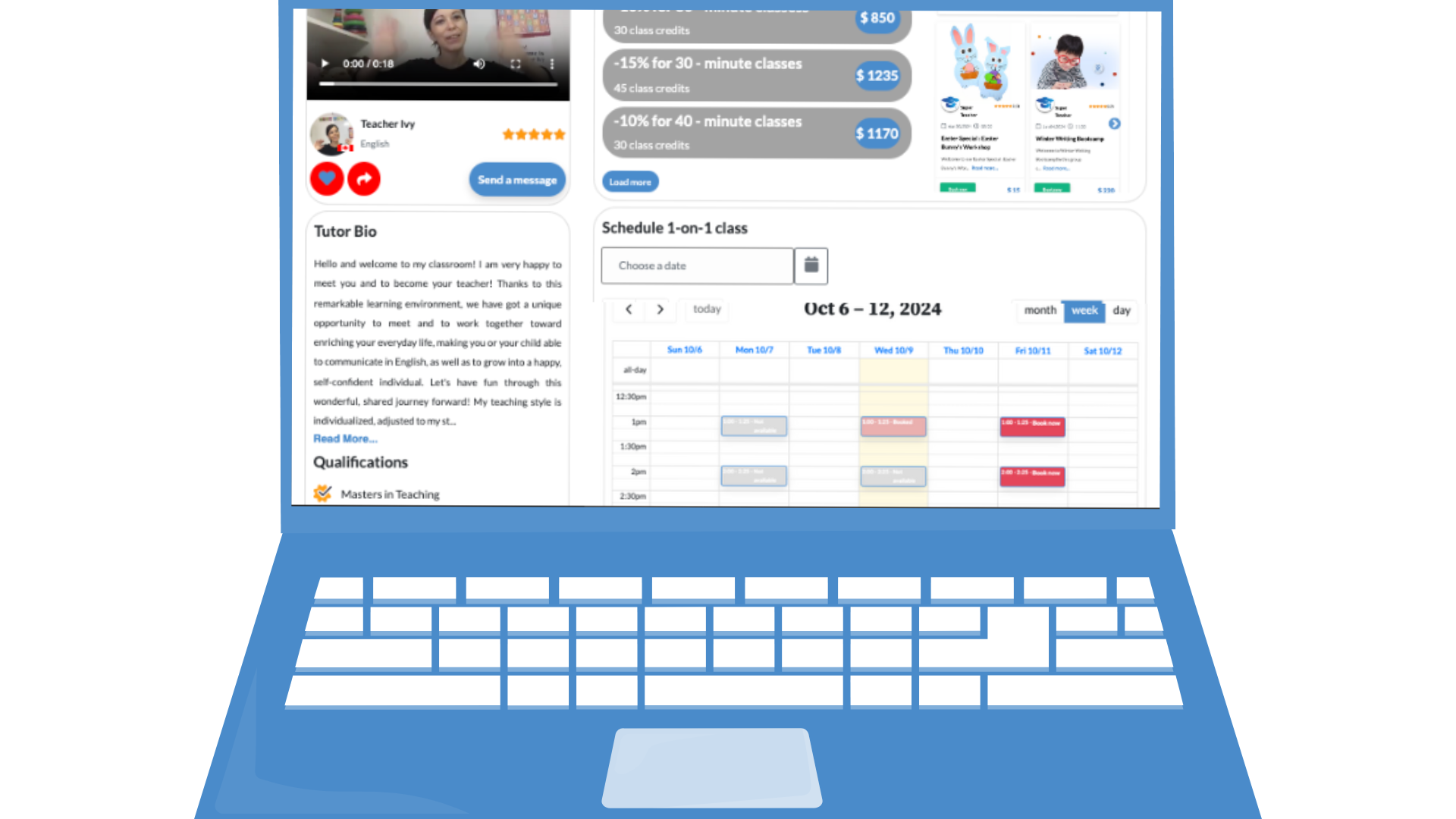

Create a professional educator page that shows what you offer, builds trust, and gives potential students an easy way to get started.
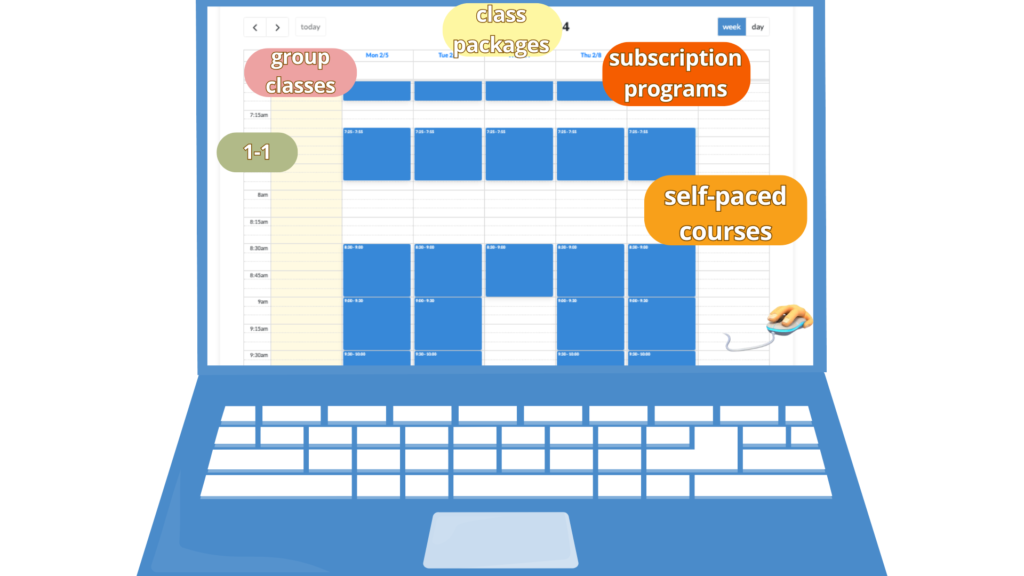
Let students see your availability, choose a time that works for them, and book their sessions without the back-and-forth.
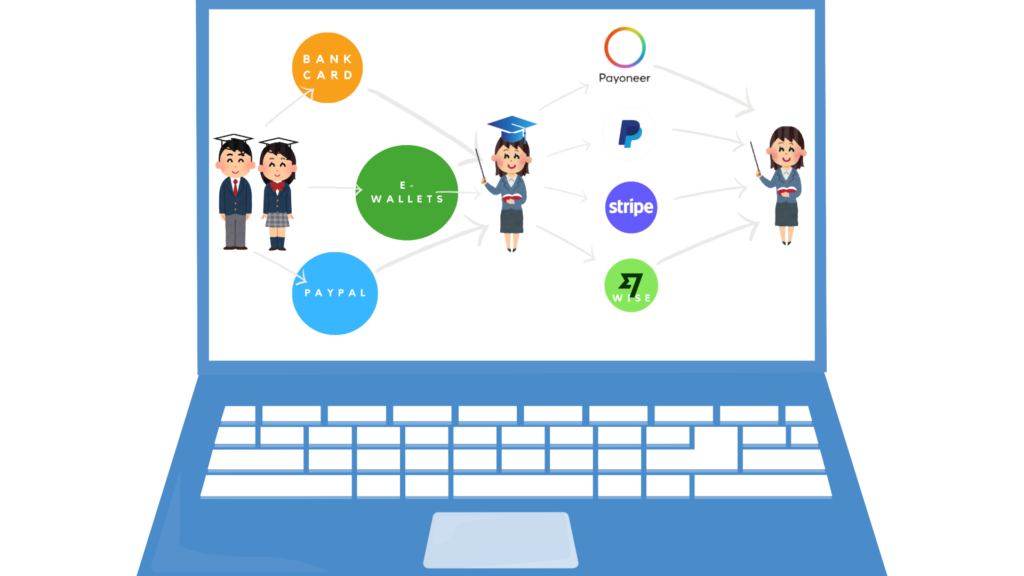
Accept payments from around the world, sell packages and subscriptions, and keep your earnings organized in one place.
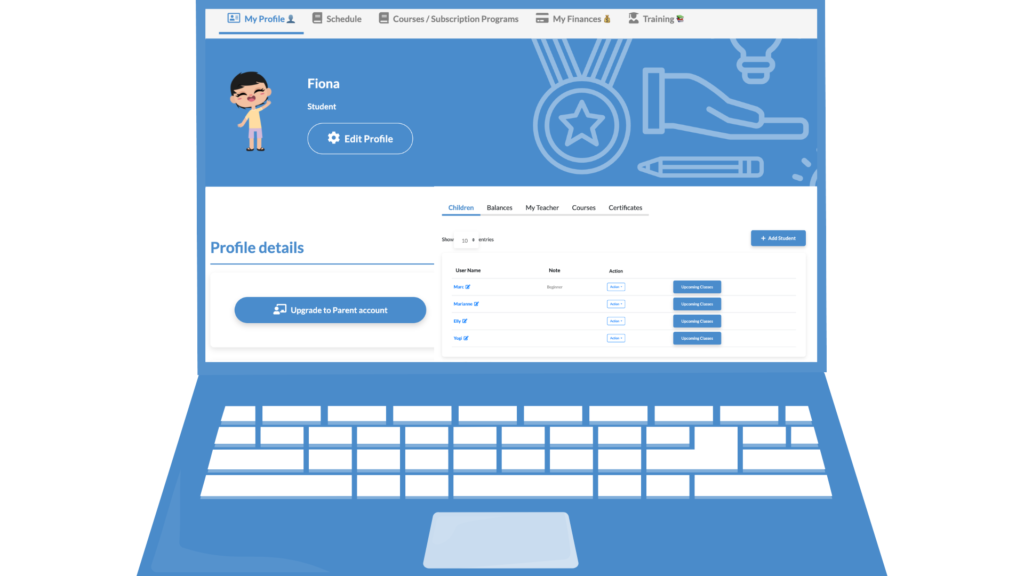
Give students one place to access their classes, courses, resources, and communication with you – while you keep everything connected on your side.
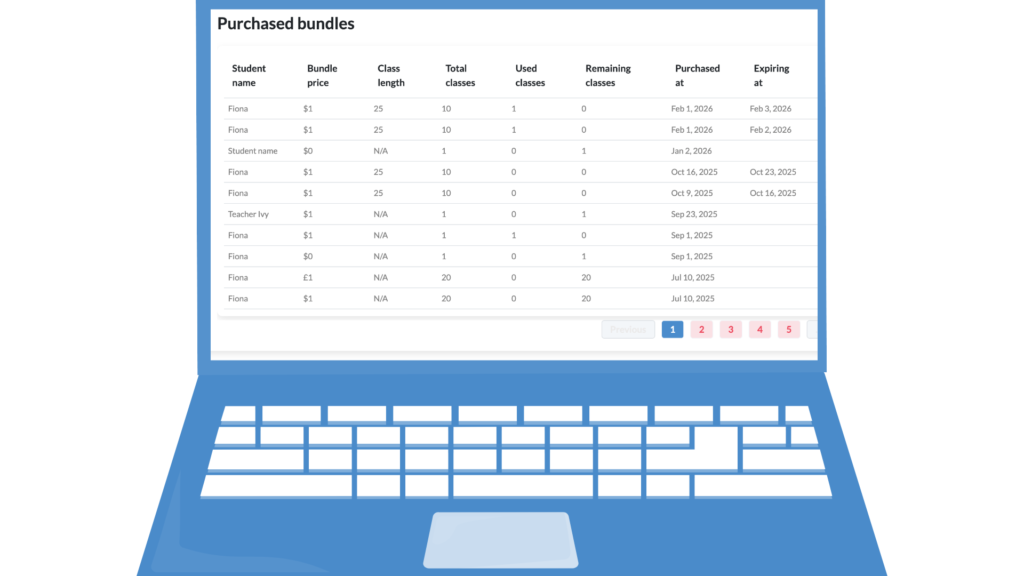
Automate reminders, class management, and repetitive tasks so you can spend less time managing the business behind your teaching.
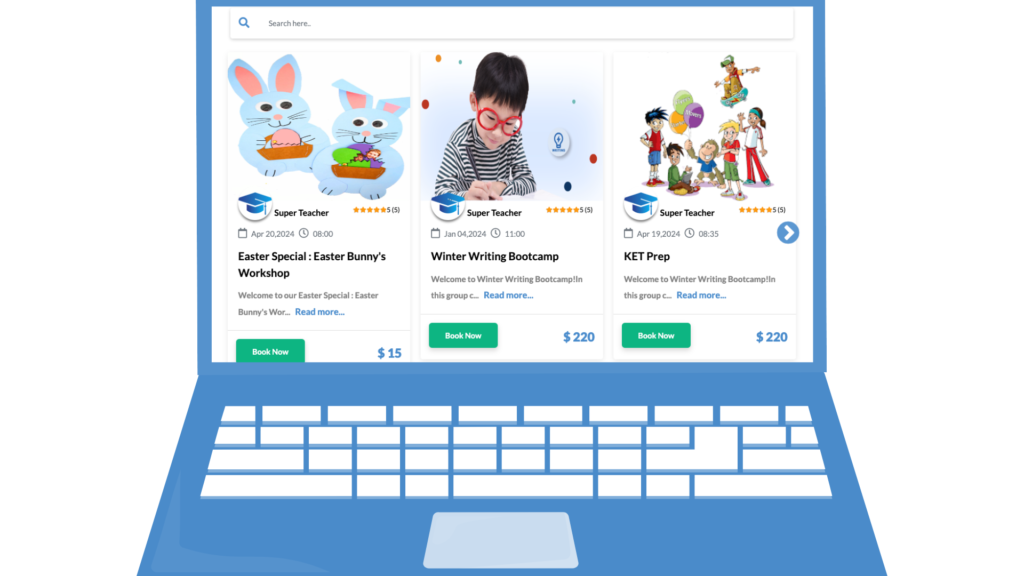
Give students more flexible ways to learn with you – from one-on-one sessions to group classes and courses, all managed in one place.
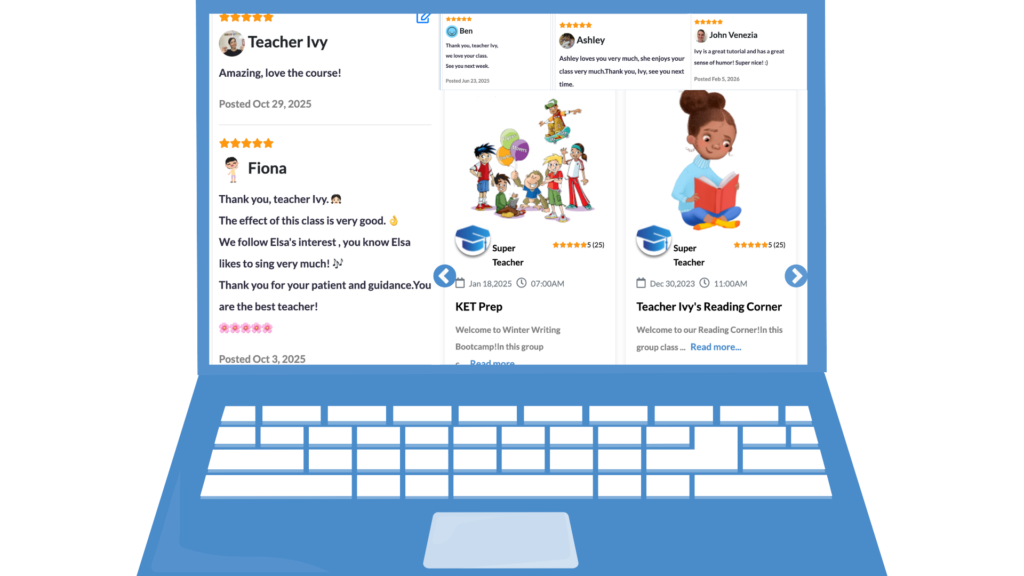
Give students everything they need to stay on track between lessons — feedback, homework, and ongoing communication in one place.
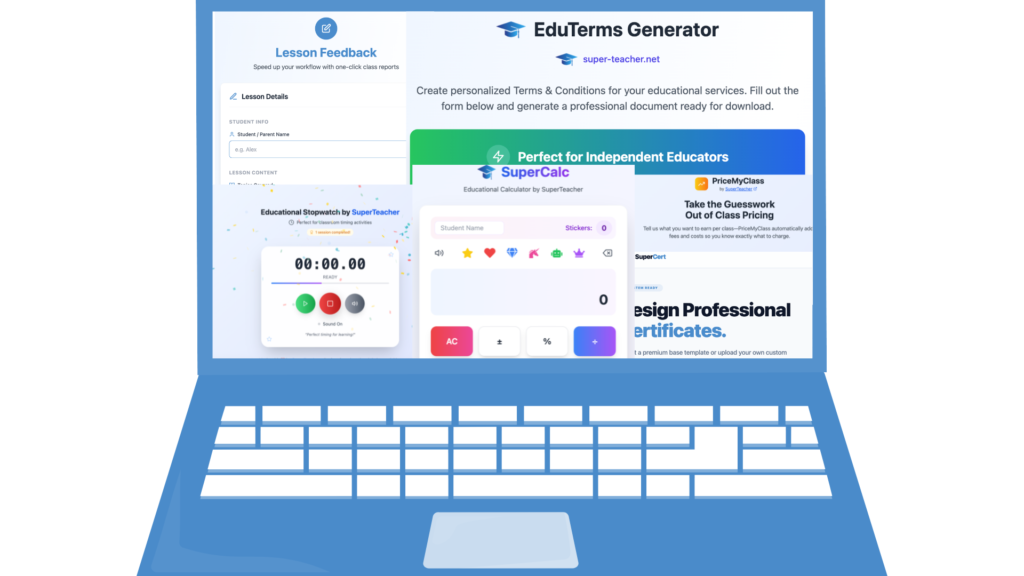
Get practical tools to help you price your services, plan your growth, market yourself, and build a stronger independent education business.
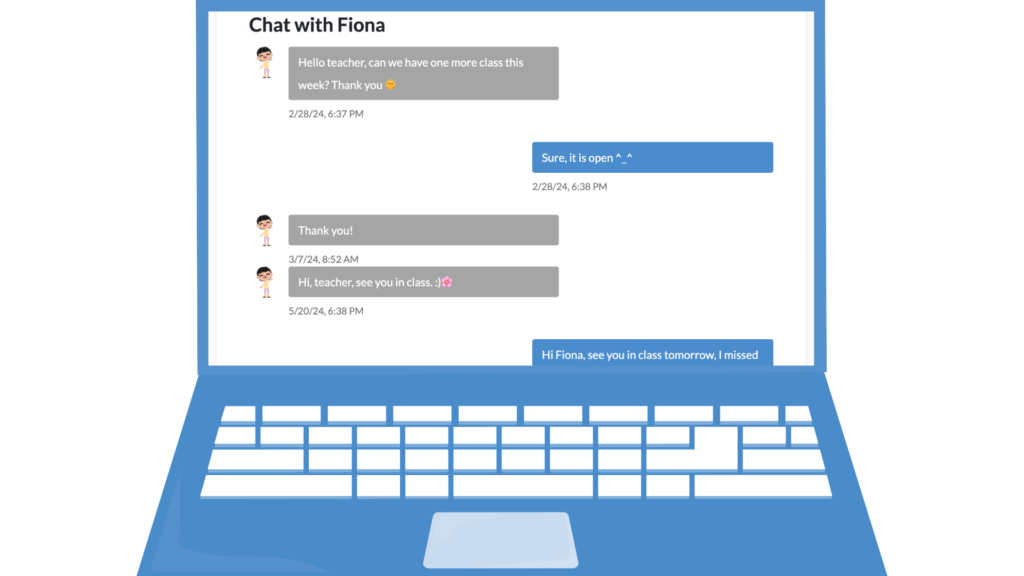
Stay connected with your students through private messaging, without adding another communication app to your teaching workflow.
Get Set Up in Minutes – It’s Super Simple
The moment you sign up, you’ll get instant access to self-paced onboarding training packed with tips and tricks to get you up and running on SuperTeacher fast.
Want extra help? Join our live newbie training every Tuesday for hands-on support. Most teachers are fully set up and live in just 15-20 minutes – that’s all it takes! Here’s all you need to do:

Link your preferred payout method
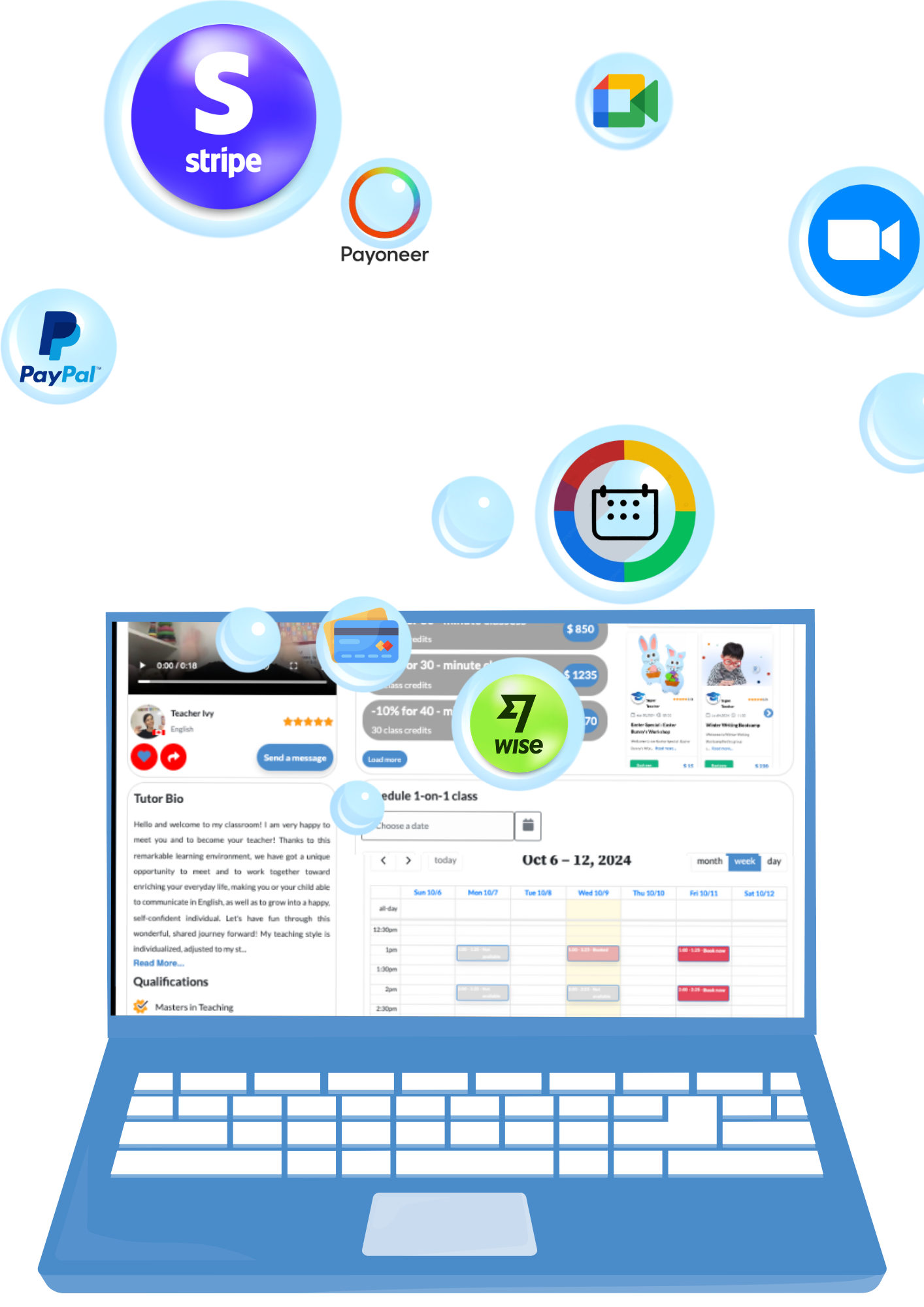
Stripe, Wise, Payoneer, or bank card* — connect whichever you like and start receiving payments in seconds. (*US only)

Link the classroom of your choice
Zoom, Google Meet, Voov, KoalaGo, Lessonspace, and more – SuperTeacher works with any classroom that offers a permanent link. Total flexibility, zero hassle.

List your classes, services and products offer
Class packages, group classes, digital products – offer exactly what you need. Start simple and expand whenever you’re ready.

Share your edu page with your clients and prospects
Add a profile photo, a welcome video, and a few details to make it shine, then share your unique URL and start booking clients instantly.
Testimonials & Reviews
Loved by 45k+ Users Worldwide! ⭐️⭐️⭐️⭐️⭐️
See why thousands of businesses trust us – discover how our SaaS solution has helped edupreneurs like you streamline operations, scale and achieve success.
“Easy and Simple!”
I wanted a platform to make payments from parents from around the world easy and simple. I also wanted a booking system where students and parents can book my lesson slots easily. I found all on ST and have been using it for over a year!


Goran Mladenovic
Founder – PR Teacher Goran
“Saves me SO much admin time!”
| I love how SuperTeacher bookings system integrates with payments and has the ability to sell packages of classes, automatically tracking the class credits. Even more AWESOME is being able to sell group classes or self-paced courses to scale up your business. My clients love having their own dashboard to view and manage class bookings too, which also saves me SO much admin time. The SuperTeacher team are always listening to teachers, releasing new features and offer so much free training / support too. Genuinely can’t recommend SuperTeacher enough <3 |

Katie Prescott
Founder – Abridge Academy
“Supportive and Inspiring”
Not only did it solve my payment challenges, but it also gave me access to a booking system, a personalized teaching platform, and ongoing support. The Super Teacher team is constantly improving the platform based on teacher feedback, and it truly feels like they care. I love using it and feel proud to be part of such a supportive and inspiring community.

Melanie Brown
Founder – Teacher Mel
“Super Smooth Transition”
When I started using the other platform I had lots of questions from parents that were finding it difficult. ST has been fab 3 out of 3 students signed up/ paid and booked classes same day without having to ask me one question! It’s been a super smooth transition. ♥️

Gemma ünlü
Founder – Teacher Gemma
“It’s a game-changer”
SuperTeacher booking system is absolutely fantastic! It’s like having a personal assistant for scheduling classes, tracking payments, used credits and all the necessary administrative work that I have to keep track of. The efficient and user-friendly interface is easy to navigate and super reliable. Mailing system ensures that my students and I never miss classes. It’s truly a game-changer.

Teacher Mary
Founder – Grammatik MGM
“All Inclusive”
Fantastic, I wouldn’t want to use any other platform! The customer service is brilliant. It is all inclusive allowing you to schedule lessons, check your earnings and teach. It’s really easy to view these things. You can also sell group lessons. If there is anything I want adding, SuperTeacher always listen to and appreciate feedback.

Teacher Emma
Founder – Explore English with Emma
FAQ
🙋♀️ How can I start using SuperTeacher?
You can start by signing up for free here.
Pick a 14-day free trial on our Starter or Growth plan and see which one works best for your business needs.
SuperTeacher Starter plan is best suitable for educators who work in 1:1 online edu environment.
In addition to that, our Growth plan lets you create group sessions, webinar events, self-paced courses, digital products and more.
You can switch, upgrade or scale our membership anytime by visiting our Pricing page.
🙋🏻 What’s the next step after signing up?
Once you register, you are added to our onboarding email sequence into setting up your teacher page easily.
You get access to our Training Center, regular beginners teacher training, be able to schedule
a quick 1-1 onboarding call for prompt hands-on support with us and access our self-paced Teacher Training.
You can also watch our Five-Minute Friday videos here.
🙋🏽♂️ Are my students able to see my calendar on my teacher page in order to book classes?
Yes, they are. Your students can see your schedule and availability in their local time zone.
You can open, edit and close class slots any time and as much in advance as you wish.
Your students can book class up until 30 minutes before class time if left available.
Both your students and you can cancel the class 24 hours in advance and reschedule it no later than 8 hours in advance.
🙋🏻 What types of classes can I list on my teacher page?
You can offer 1-1, group classes, class packages, subscription programs, self-paced and hybrid courses.
🙋🏽♂️ Does SuperTeacher keep track of how many classes have been used in class packages?
Yes, our tracking system is integrated into every user’s profile automatically upon signing up.
After purchasing a class package, both you and your clients will have live preview of each package price,
class credits, as well as used and remaining classes.
🙋♀️ How do you handle the possibility of students not paying or not paying on time?
Your students pay for your classes in advance. ✅
They can pay as they go, pick a class package you offer or subscribe to one of your monthly subscription programs.
🙋🏻 Can I share preview materials with my students on SuperTeacher?
Yes, SuperTeacher has its own file-sharing system.
You can share direct links to your files within our Lesson Feedback form, or build your own Resource Library
for even easier file sharing and management.
🙋🏽♂️ Where can I see a demo teacher account to get a clear insight of all the features I get?
You are very welcome to preview our demo teacher account here. 👌
🙋♀️ What is your cancellation and refund policy?
By default, students can cancel classes at least 24 hours in advance. Students may reschedule classes up to 8 hours before the class start time unless the educator defines a different policy. Educators can cancel classes at any time, and class credits are refunded automatically to the student’s account. Educators may also issue monetary refunds via PayPal or Stripe at their discretion, for example due to technical issues or lateness. SuperTeacher facilitates this process but does not guarantee service delivery — that responsibility remains with the educator.
🙋♂️ How can students contact their educator?
Students can contact their educator directly via the SuperTeacher messaging system for any questions, scheduling issues, or support regarding their classes.
🙋♀️ Who handles disputes or complaints?
SuperTeacher provides first-level support and facilitates communication between students and educators. If an issue cannot be resolved directly, SuperTeacher may assist in coordination and escalate unresolved disputes through PayPal or Stripe dispute resolution when applicable.
🙋🏽♂️ How do I get my earnings once the student pays for my classes?
Once you are all set (added your class prices + connected the classroom of your choice + set your payout method),
you can share your teacher page unique URL to get them started easily.
Check out our Student Guides to guide your students easily, they are translated in over 12 languages!
We recommend downloading and sharing them with your students, as well as watching them yourself
so that you could experience SuperTeacher from your student’s end and better support your clients.
🙋♀️ How do my students book classes with me?
If you are in a Stripe or Paypal-supported country, you can connect your Stripe or Paypal account to SuperTeacher and get your $$ automatically by processing direct charges.
If you are in a Stripe / Paypal non-supported country or in a non-US country in need of using WeChat and / or Alipay to receive payments,
you can link your Wise account by adding your Wise email, Payoneer or bank details and initiate payouts manually.
For setup support and eligibility check your Finances page and add your preferred payout method by following the short guides provided.
🙋♀️ How do I attend live training?
Every Tuesday @6pm CET time you are very welcome to join us live in our Beginners Teacher Training
to set up and review your teacher page and get prompt support to get you started easily.
Welcome!
Elevate Your Education Business with Our Smart, Scalable Solution
Empowering Educators – Designed by Teachers ⭐️⭐️⭐️⭐️⭐️ Streamline Your Edu Business with SuperTeacher!