
Let your students learn anytime, anywhere.
Self-Paced Courses That Work Around Your Learners
Create and sell courses that students can complete at their own pace. SuperTeacher helps you organize lessons and manage access, all while handling payments and course credits automatically.
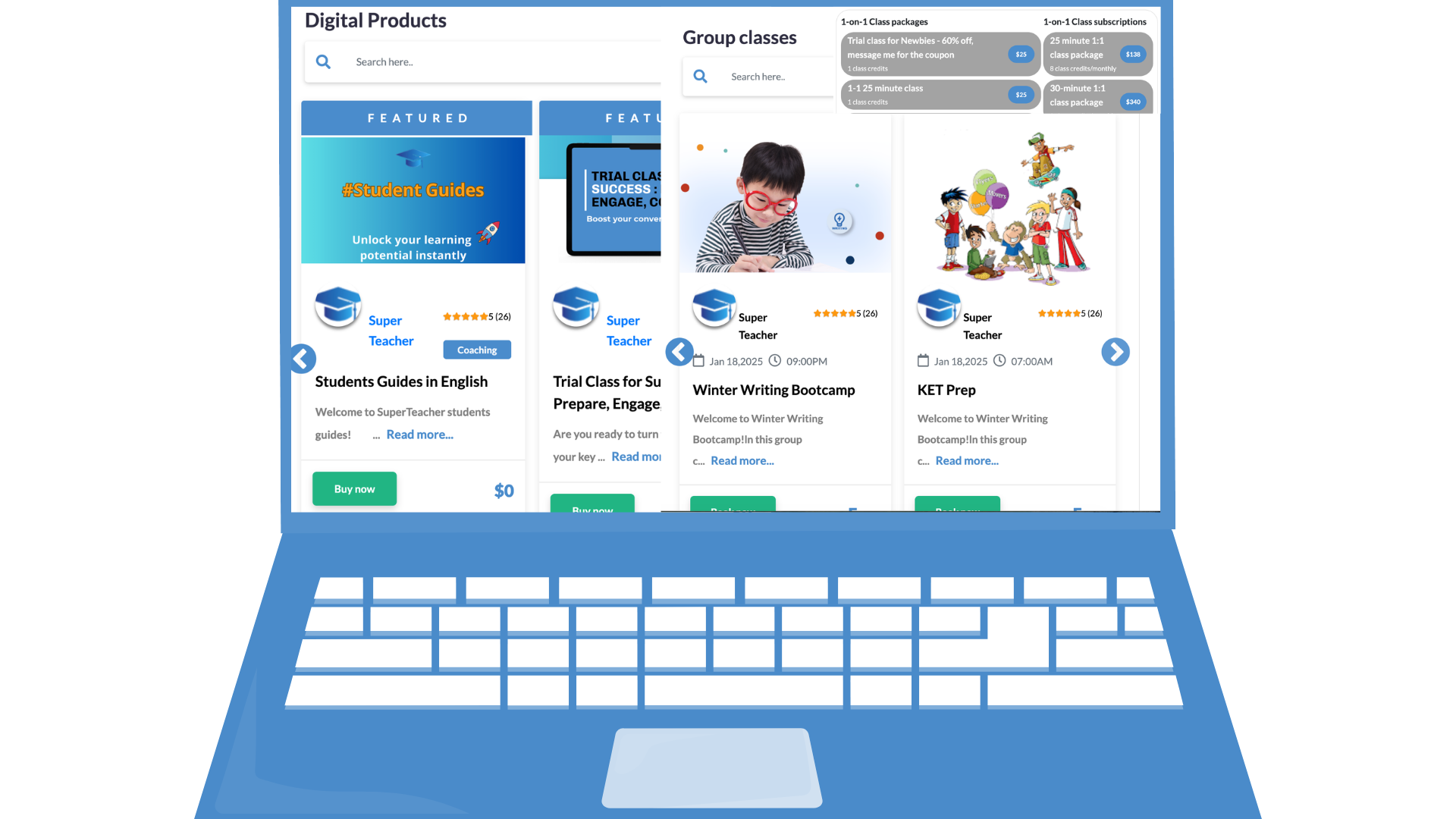
Learn Anytime, Anywhere
Give your learners the flexibility to study on their own schedule, from any device.
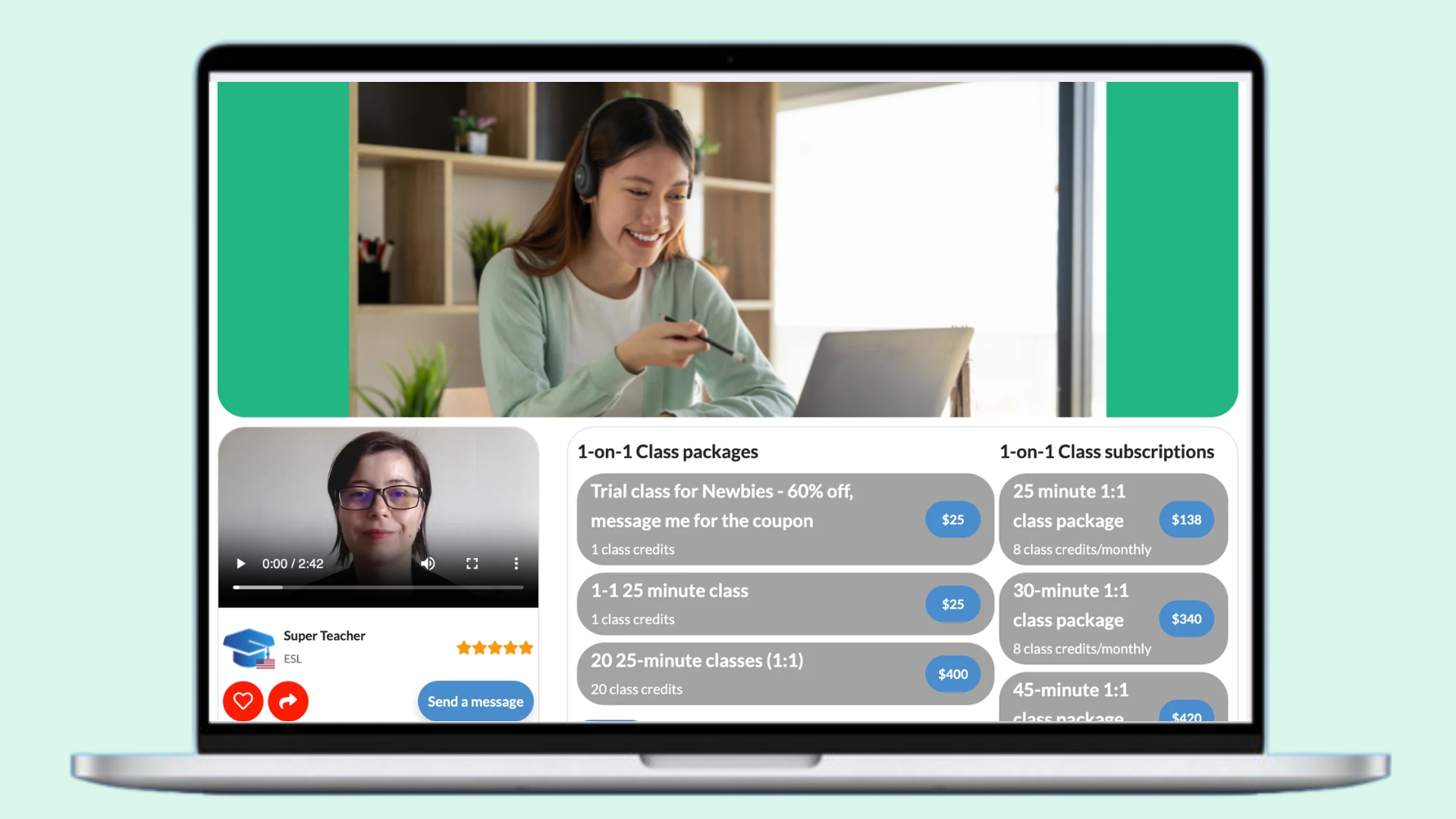
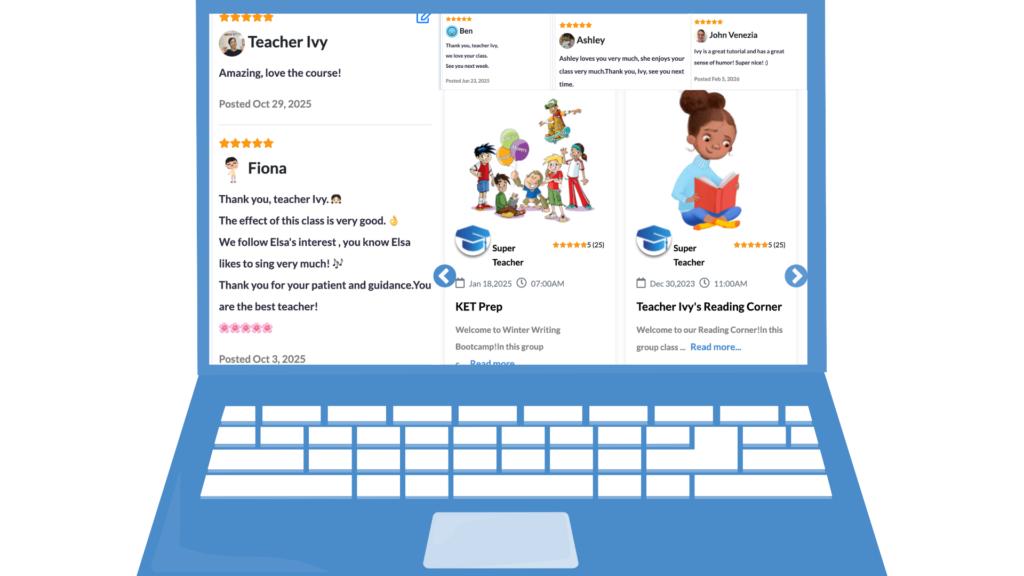
Integrated Payments and Credits
Collect payments and provide class credits (optional) automatically for course access.
Support Multimedia Content
Include videos, PDFs, quizzes, and other learning materials to create engaging courses – earn while you sleep.
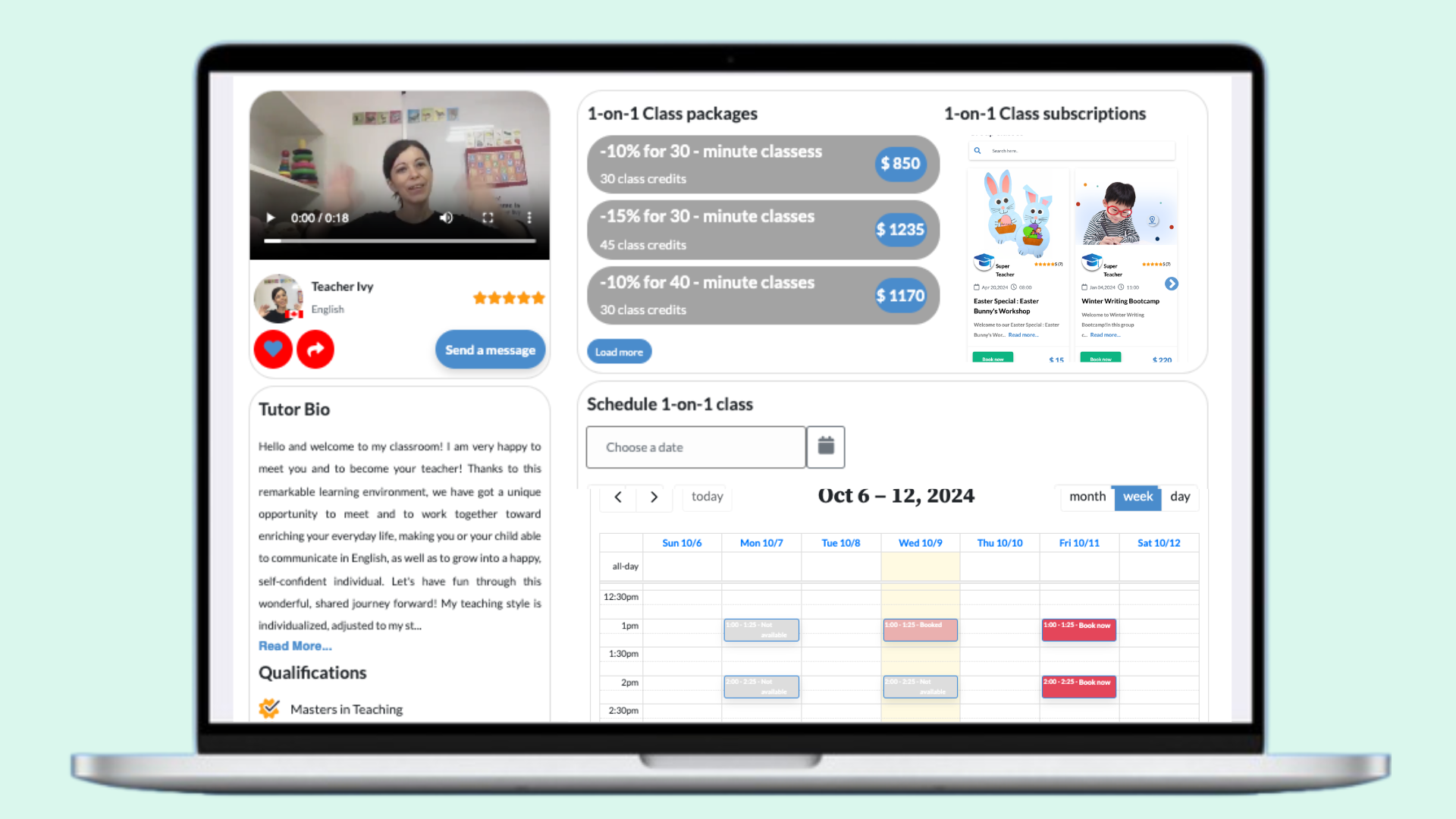
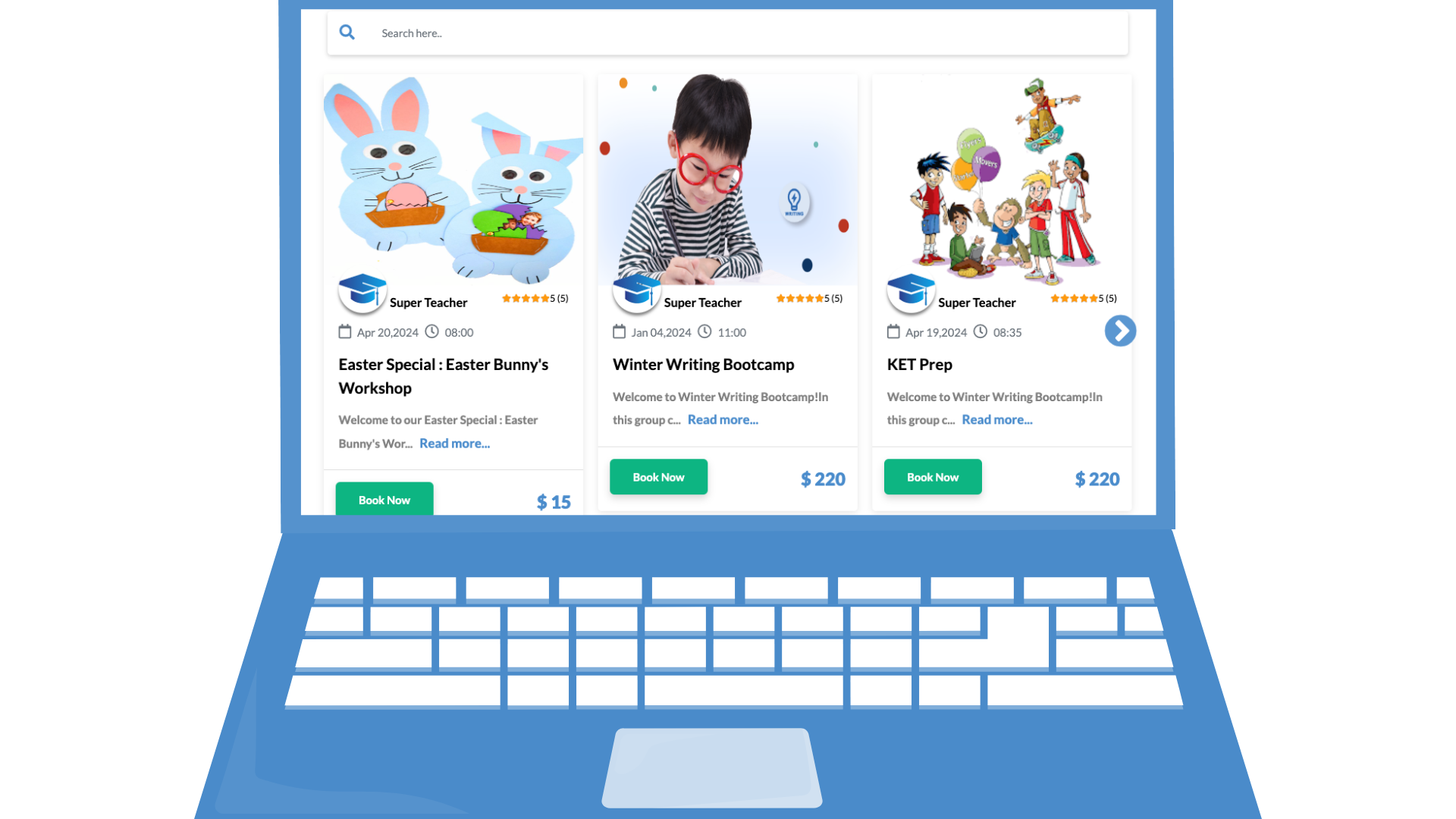
Sell Unlimited Courses
Offer as many self-paced courses as you want and scale your education business without limits. Run groups and increase your income with every student who joins
One-Off or Subscription Payments
Monetize courses your way: charge once or set up recurring subscription plans for learners. Offer monthly subscriptions for maximum flexibility
Easy Course Setup
Upload lessons, videos, assignments, and materials quickly and organize them logically. Create sections and resources and get set for passive income in no time
Combine with Live or Hybrid Options
Offer self-paced content alone or integrate it with live sessions for hybrid learning experiences.
🙋♀️ How can I start using SuperTeacher?
You can start by signing up for free here.
Pick a 14-day free trial on our Starter, Growth or Creator plan and see which one works best for your business needs.
SuperTeacher Starter plan is best suitable for educators who work in 1:1 online edu environment and are just starting.
Our Growth plan lets you teach 1:1, create group sessions, webinar events,
If you want to provide more personalized learning experience by creating self base courses, hybrid courses, and the resource libraries, our Creator plan will suit your business needs perfectly.
You can switch, upgrade or scale our membership anytime by visiting our Pricing page.
🙋🏻 Does SuperTeacher include a virtual classroom?
Yes. SuperTeacher Classroom is included in all subscription plans, with the teaching formats available according to your plan. You can also continue using a preferred external classroom if that better suits your workflow.
🙋🏽♂️Are my students able to see my calendar on my teacher page in order to book classes?
Yes, they are. Your students can see your schedule and availability in their local time zone.
You can open, edit and close class slots any time and as much in advance as you wish, and you can set custom rules for booking, rescheduling and canceling classes that our student students must follow.
🙋♀️Do I have to create invoices for my students?
No, the payment process is automated for both you and your clients.
You only need to set up your class prices and packages and you are good to go!
🙋🏻 What types of classes can I list on my teacher page?
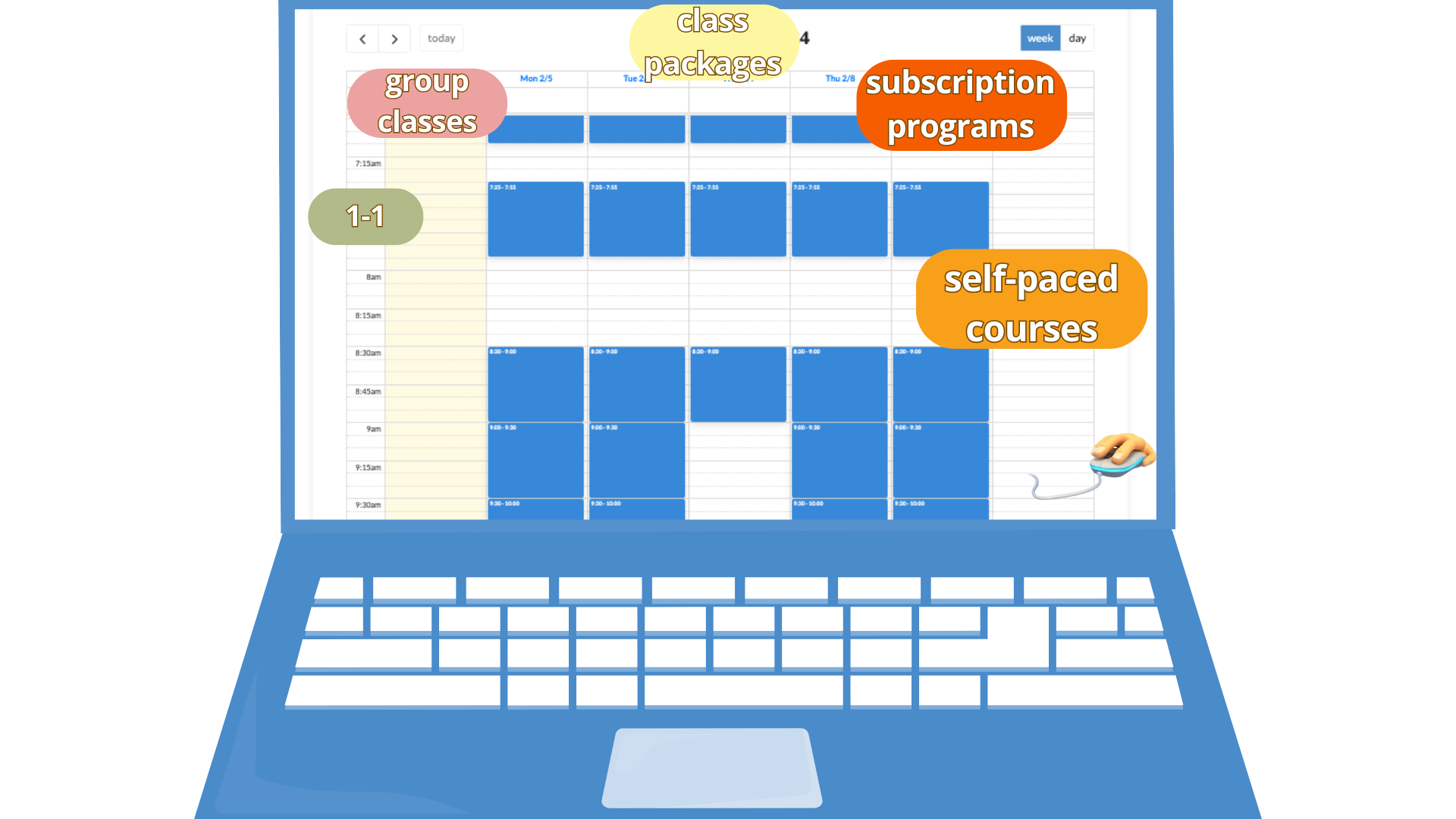
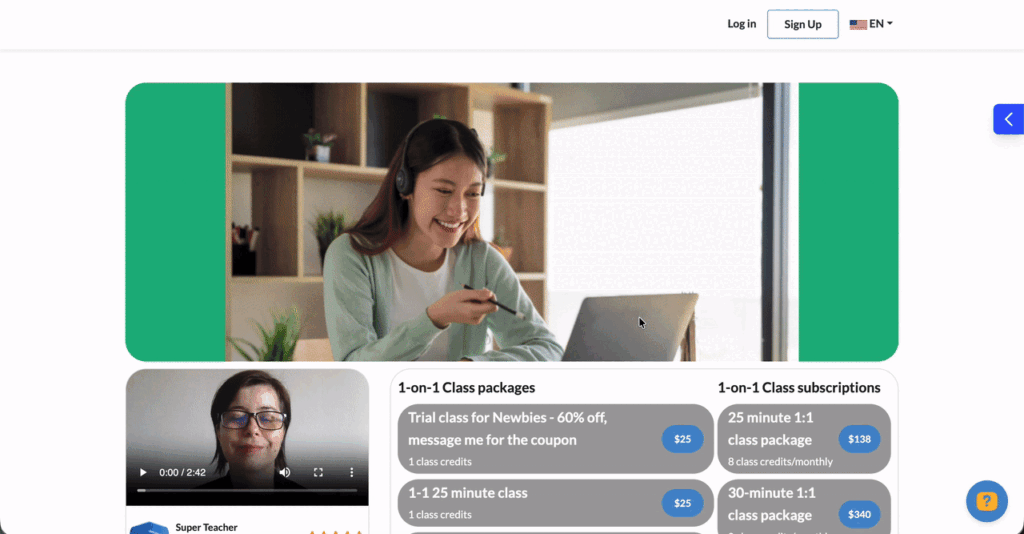
You can sell 1-1, group classes, class packages, subscription programs, self-paced and hybrid courses, and other digital products.
🙋🏽♂️ Does SuperTeacher keep track of how many classes have been used in class packages?
Yes, our tracking system is integrated into every user’s profile automatically upon signing up.
After purchasing a class package, both you and your clients will have live preview of each package price, class credits, as well as used and remaining classes.
🙋♀️ How do you handle the possibility of students not paying or not paying on time?
Your students pay for your classes in advance. ✅
They can pay as they go, pick a class package you offer or subscribe to one of your monthly subscription programs.
🙋🏻 Can I share preview materials with my students on SuperTeacher?
Yes, SuperTeacher has its own file-sharing system.
You can share direct links to your files within our Lesson Feedback form, build your own Resource Libraries, or upload files during class and share them with your students via SuperTeacher classroom chat for instant file sharing and management.
🙋🏽♂️ Where can I see a demo Teacher account to get a clear inside of all the features I get?
You are very welcome to preview our demo teacher account here. 👌
🙋♀️ What is your cancelation and refund policy?
By default, students can cancel classes at least 24 hours in advance. Students may reschedule classes up to 8 hours before the class start time unless you define a different, custom policy. You can cancel classes at any time, and class credits are refunded automatically to the student’s account. You may also issue monetary refunds via PayPal or Stripe at their discretion, for example due to technical issues or lateness. SuperTeacher facilitates this process but does not guarantee service delivery — that responsibility remains with you.
🙋♂️ How can my students contact me?
Students can contact their educator directly via the SuperTeacher messaging system for any questions, scheduling issues, or support regarding their classes.
🙋♀️ Who handles disputes or complaints?
SuperTeacher provides first-level support and facilitates communication between students and educators. If an issue cannot be resolved directly, SuperTeacher may assist in coordination and escalate unresolved disputes through PayPal or Stripe dispute resolution when applicable.
🙋🏽♂️ How do my students book classes with me?
Once you are all set (added your class prices and set your payout method), you can share your teacher page unique URL to get them started easily.
OhCheck out our Student Guides to guide your students easily, they are translated in over 12 languages!
We recommend downloading and sharing them with your students, as well as watching them yourself
so that you could experience SuperTeacher from your student’s end and better support your clients.
🙋♀️ How do I get my earnings once my students pay for classes?
If you are in a Stripe or Paypal-supported country, you can connect your Stripe or Paypal account to SuperTeacher and get your $$ automatically by processing direct charges.
If you are in a Stripe / Paypal non-supported country or in a non-US country in need of using WeChat and / or Alipay to receive payments,
you can link your Wise account by adding your Wise email, Payoneer or bank details and initiate payouts manually.
For setup support and eligibility check your Finances page and add your preferred payout method by following the short guides provided.
🙋♀️ How do I attend live training?
Every Tuesday @6pm CET time you are very welcome to join us live in our Beginners Teacher Training
to set up and review your teacher page and get prompt support to get you started easily.
Welcome!