

Are you ready to take your teaching to the next level? Setting up your SuperTeacher page is the first step towards creating a vibrant online classroom. This guide will walk you through the entire process, ensuring you have everything you need to get started. From signing up to customizing your profile, let’s dive in!
Getting Started: Signing Up for SuperTeacher
The first step in your journey is to sign up for SuperTeacher. You’ll find the sign-up button conveniently located in the top right corner of the homepage. If you’ve already signed up, simply log into your account to proceed.
Setting Up Your Profile
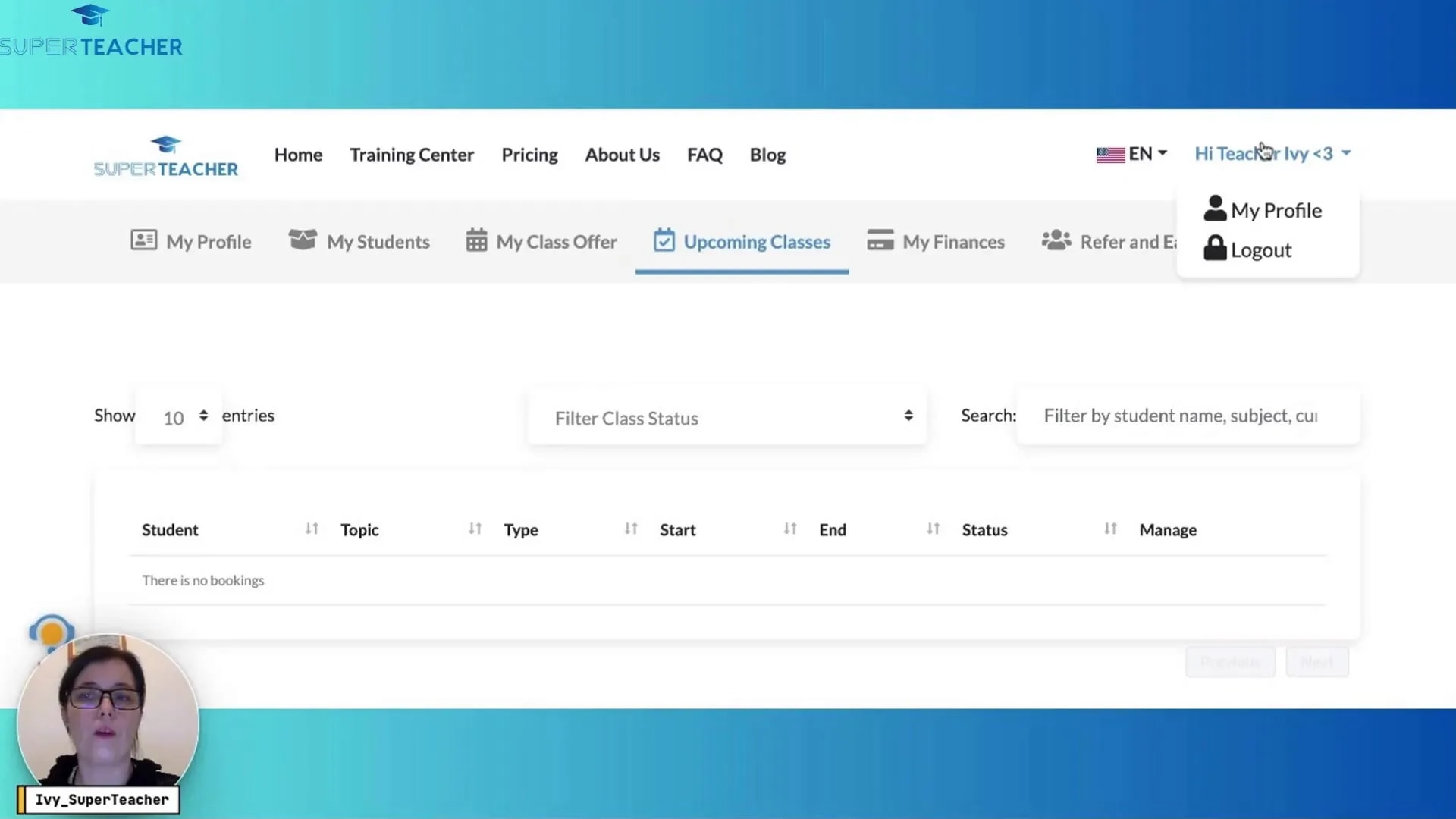
Once you’ve logged in, it’s time to set up your profile. Navigate to the “My Profile” tab and click on “Edit Profile.” This is where the fun begins!
Uploading Your Profile Picture
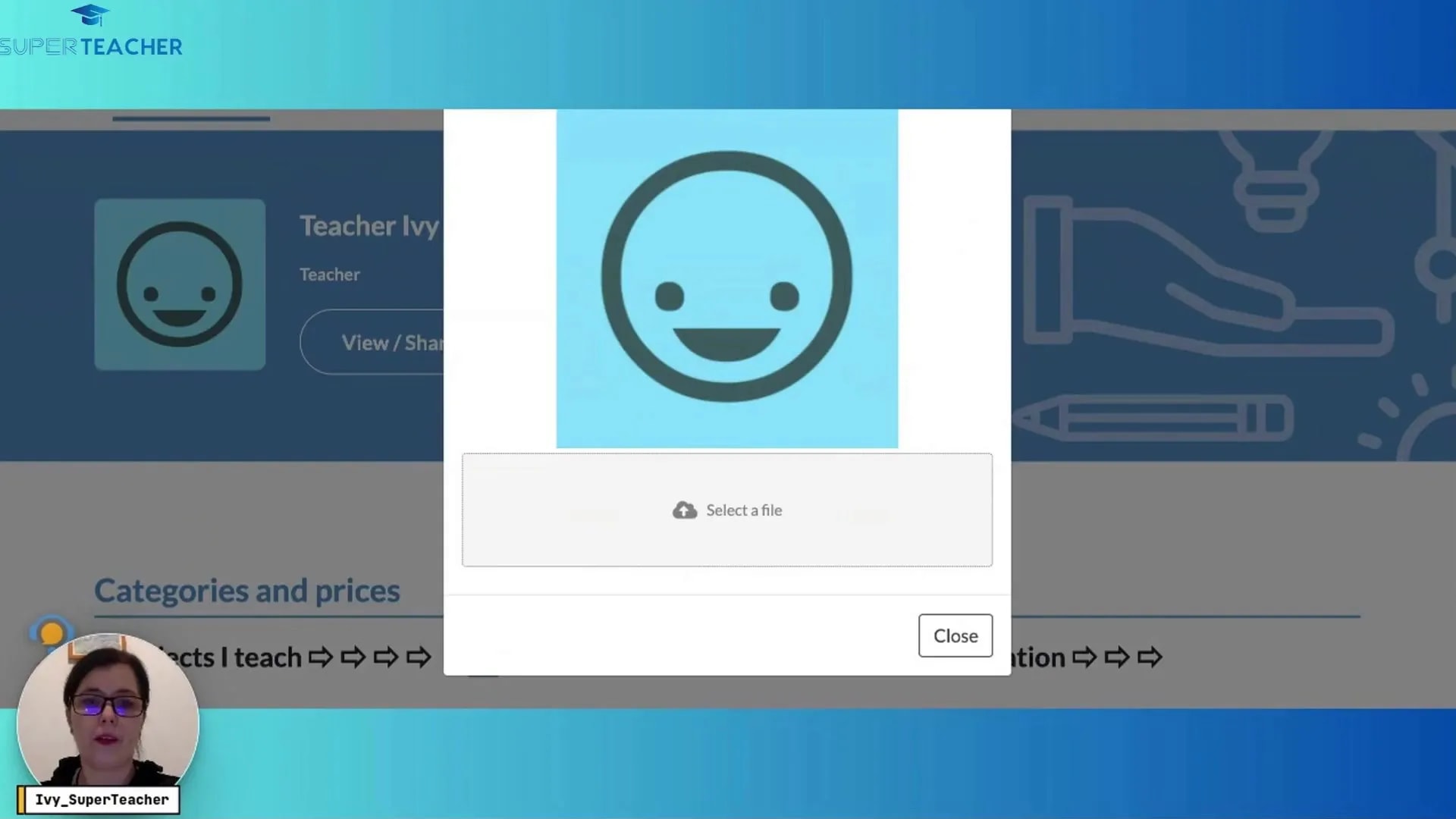
Start by adding a profile picture. Click on the editing button and you’ll have the option to select a file from your device or drag and drop an image. Ensure your image is in a supported photo format, and confirm the upload. This personal touch makes your profile more inviting.
Adding Subjects You Teach
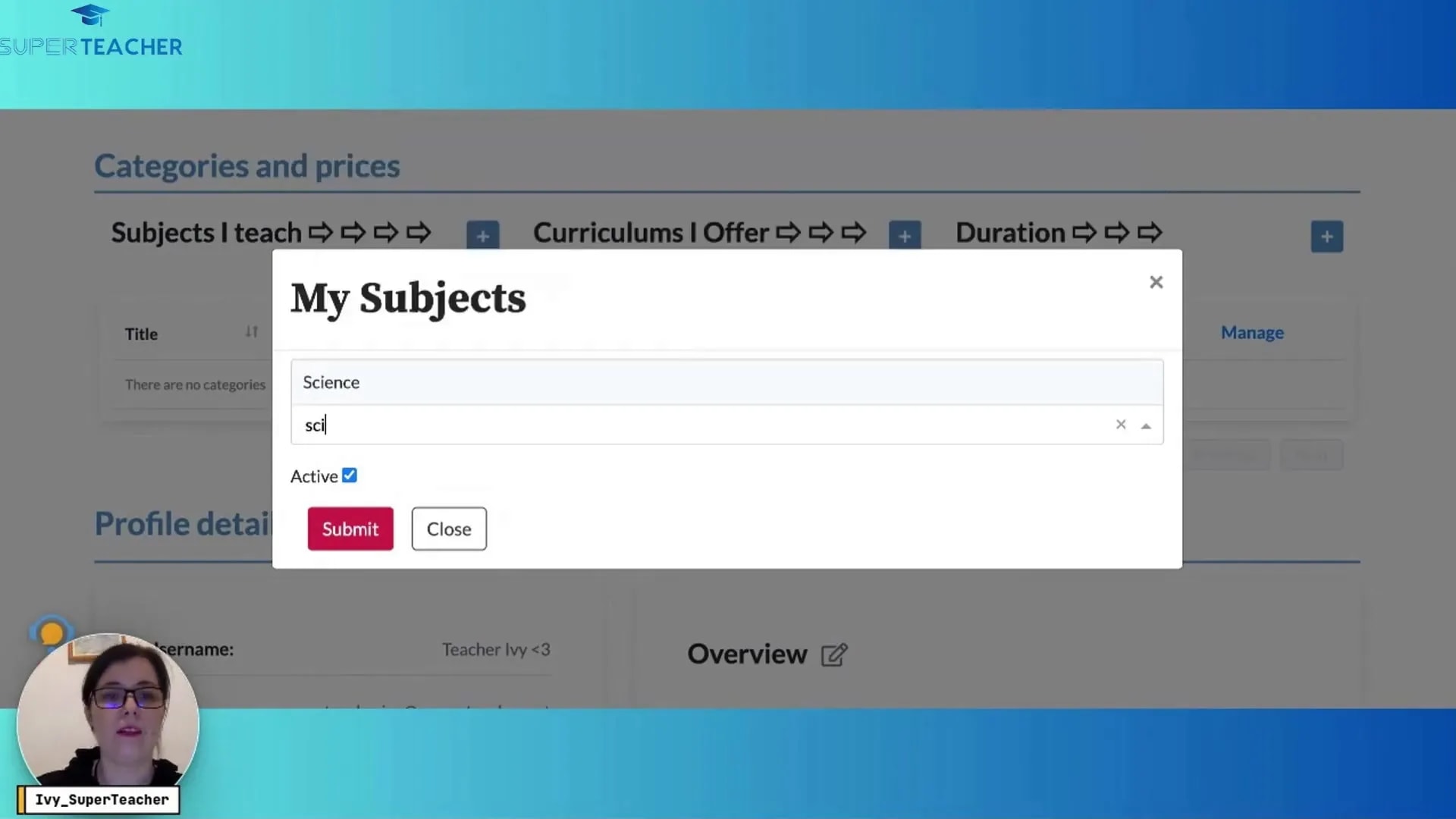
Next, specify the subjects you teach. If you’re a science teacher, for example, simply type “science” in the search box. It’s that easy! Hit submit to confirm your selection.
Editing Additional Profile Details
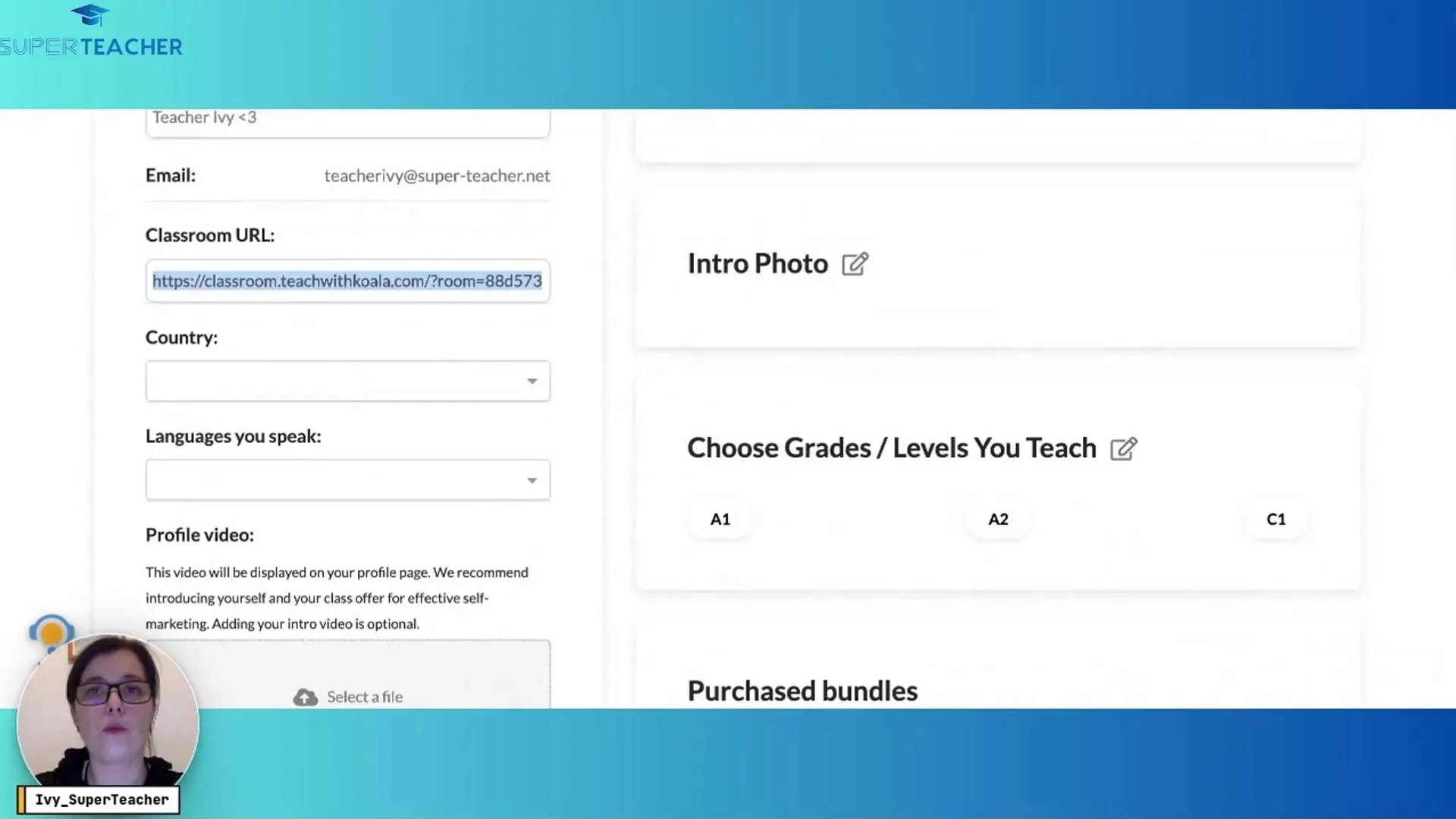
To further customize your profile, you can change your username and add your classroom URL. If you use platforms like Zoom or V Lesson Space, copy and paste your permanent link here. This allows students to easily access your classroom.
Enhancing Your Profile with More Information
Now that the basics are covered, you can add more personal touches. Include the languages you speak, such as Chinese or English, and feel free to upload a teacher introduction video. This video can be a great way to connect with your students right from the start.
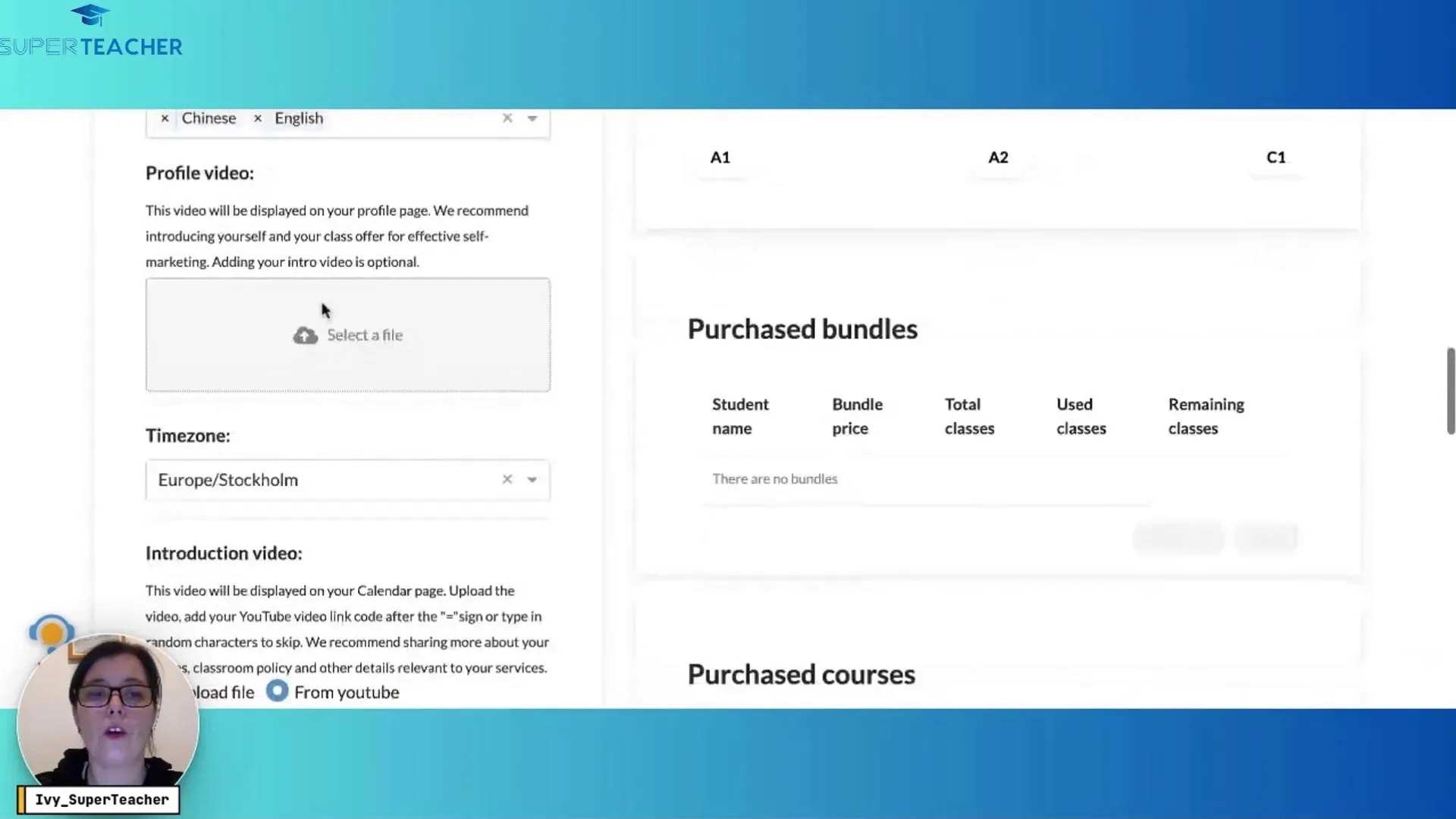
Sharing Your Teaching Experience
In the overview section, share your teaching experience or simply write a warm welcome message. This is your chance to give students insight into your teaching style and what they can expect from your classes.
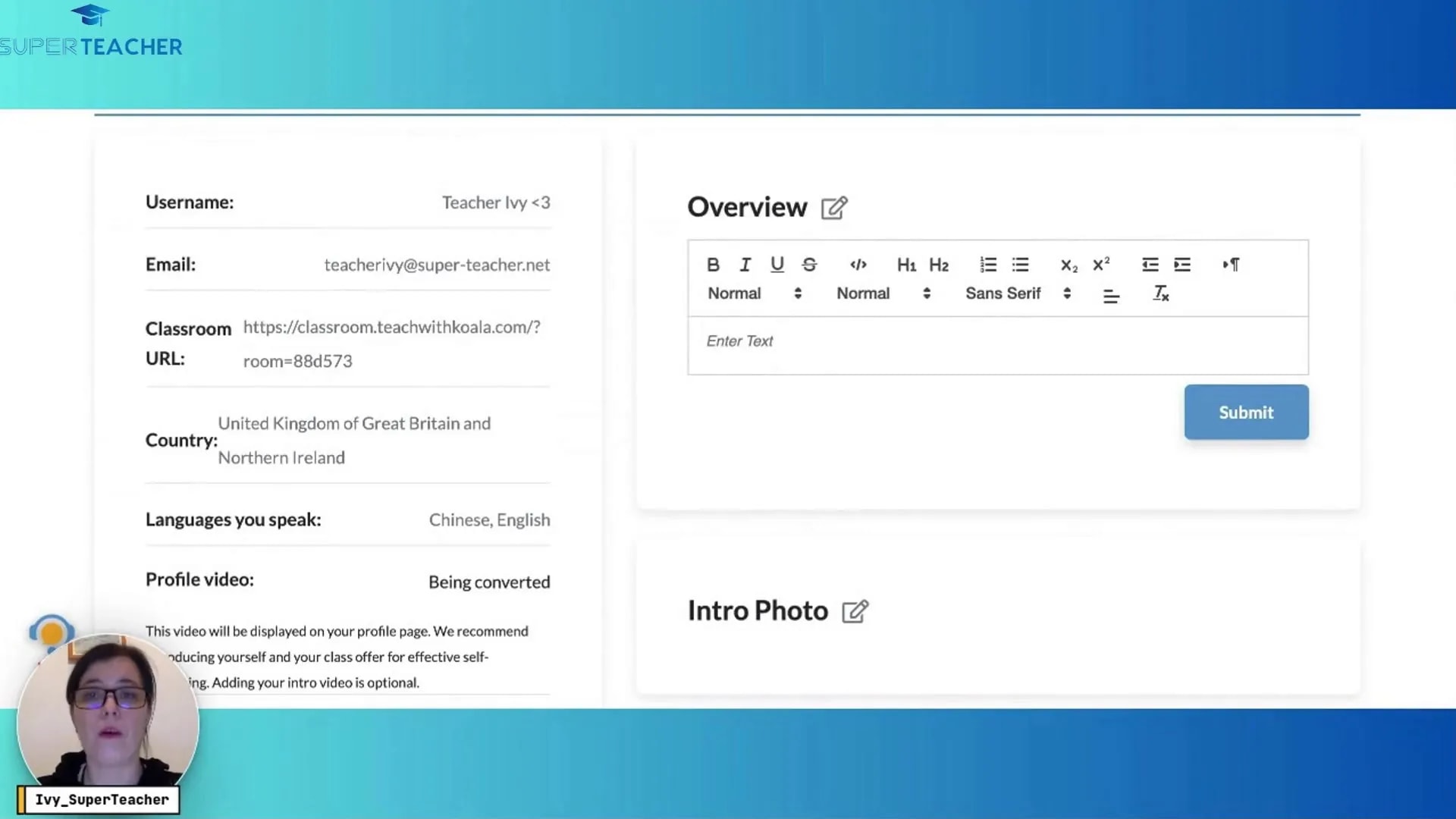
Listing Your Teaching Levels
You can also list the grades or levels you teach by clicking on the editing button and selecting the appropriate options. This helps students and parents understand your expertise.
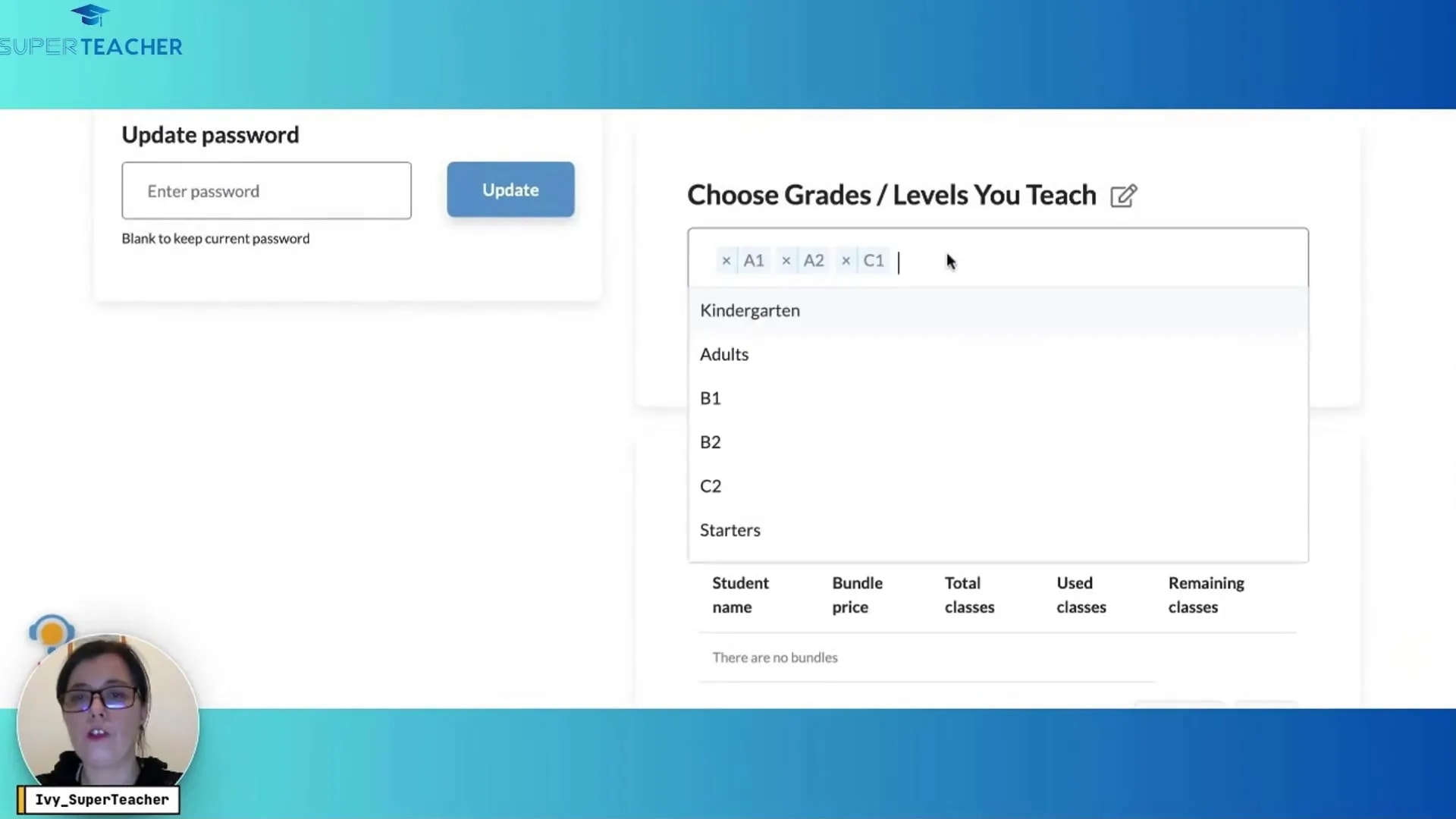
Setting Up Payment Methods
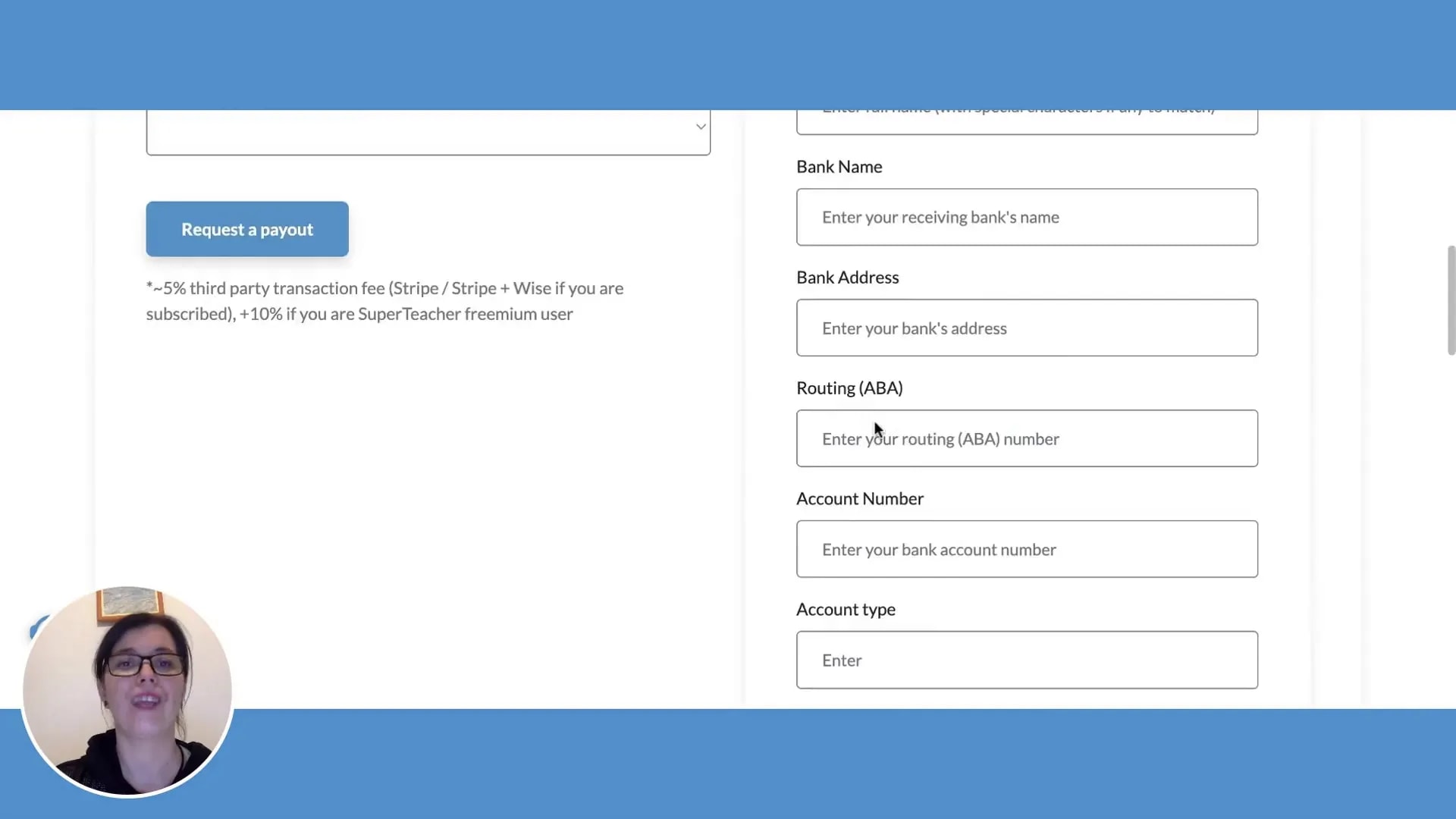
Last but not least, it’s important to set up your preferred payout method with SuperTeacher. If you’re in a Stripe-supported country, you can link your Stripe account. If not, consider using Wise or Payoneer. Follow the prompts to create an account or connect your existing account. This step ensures that you can receive payments smoothly.
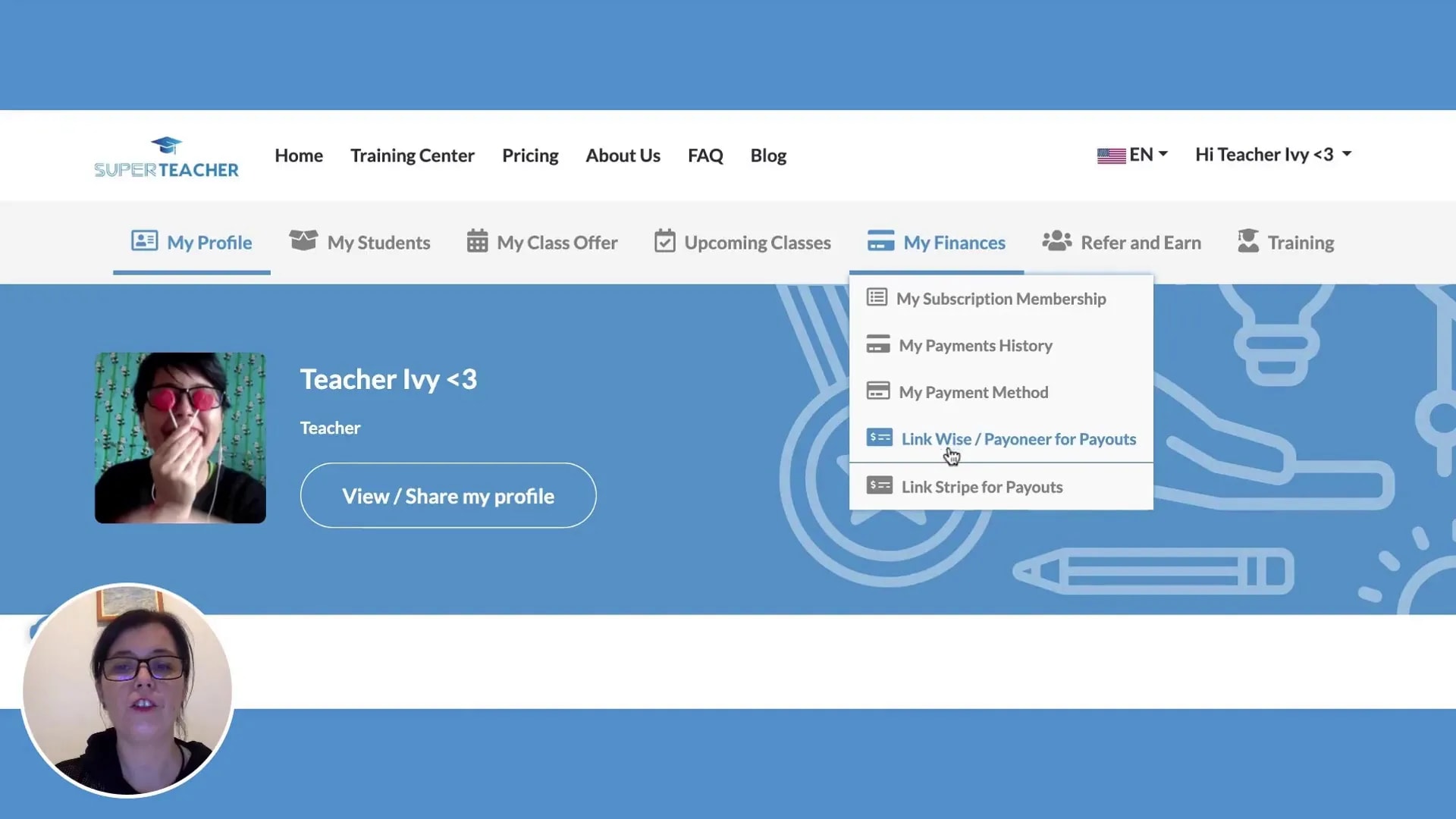
Final Steps and Happy Teaching!
Once you’ve completed all these steps, you’re ready to go! Your SuperTeacher page is now set up, and you can focus on what you do best—teaching. Remember, you can always return to your profile to add more details or make changes as needed.
Frequently Asked Questions
1. What if I forget my password?
If you forget your password, simply click on the “Forgot Password” link on the login page. Follow the instructions to reset it.
2. Can I change my profile picture later?
Yes, you can change your profile picture at any time by going back to the edit profile section.
3. How do I link my payment account?
To link your payment account, go to the payout methods section in your profile and follow the prompts to connect your Stripe, Wise, or Payoneer account.
4. Is there a way to preview my profile?
Yes! You can preview your profile before making it live to ensure everything looks perfect.
5. Can I add more subjects later?
Absolutely! You can always return to your profile to add or remove subjects as your teaching evolves.
Conclusion
Setting up your SuperTeacher page is a straightforward process that allows you to create a welcoming online environment for your students. With your profile complete, you’re ready to engage and inspire. Don’t forget to check out more resources and tips on enhancing your teaching experience at YouTube and start your journey today!
Ready to get started? Sign up for free at SuperTeacher and see how it can transform your teaching experience!



Leave a Reply