
Discover how to create interactive worksheets with Top Worksheets, an intuitive platform designed for teachers. This guide will walk you through the entire process, making it easy to engage your students with fun and interactive educational materials.
Introduction to Top Worksheets
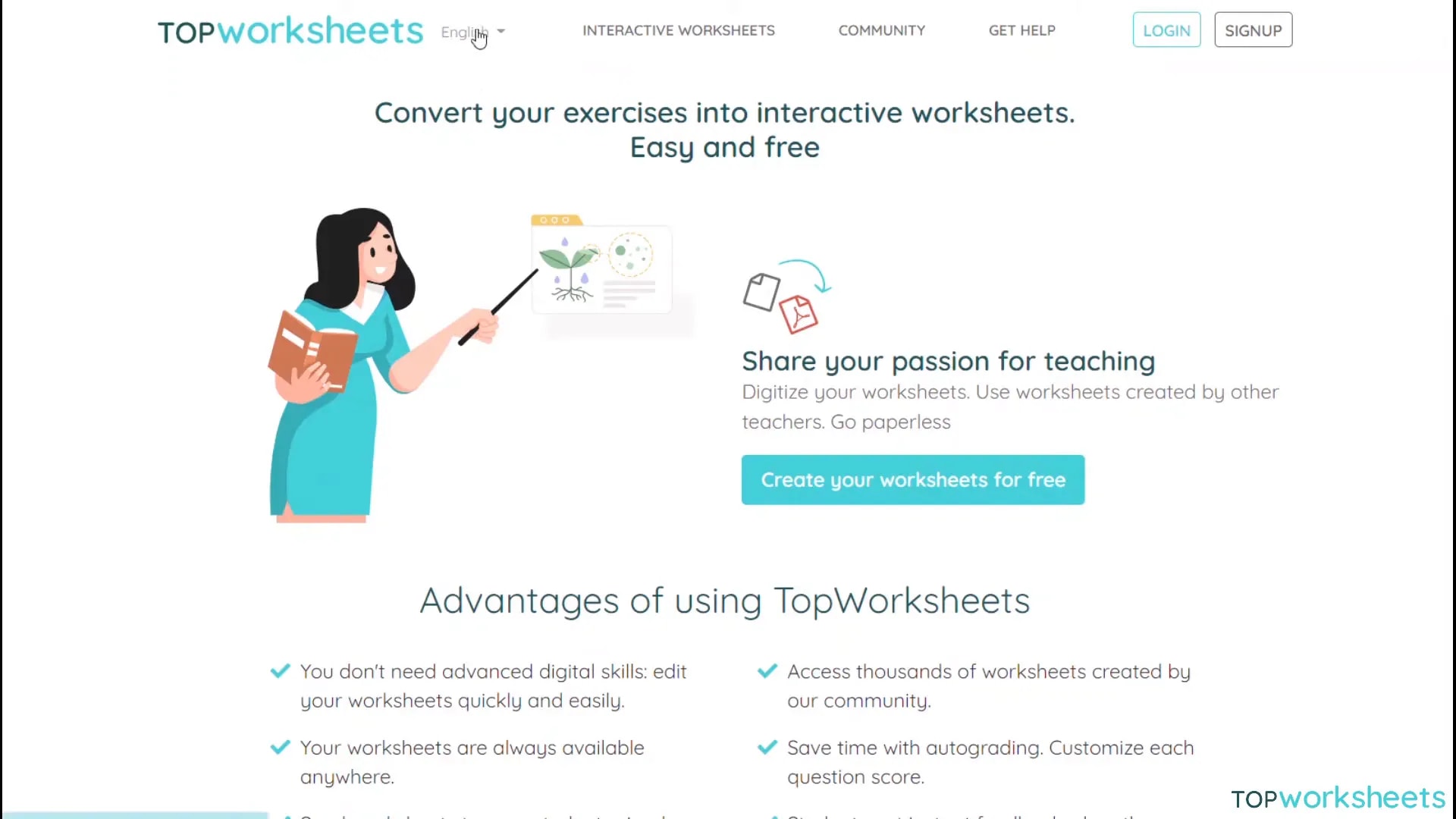
Top Worksheets is a powerful platform tailored for educators, allowing for the creation of interactive worksheets that enhance student engagement. With its user-friendly interface, teachers can design dynamic educational resources that cater to various learning styles.
This platform stands out by providing numerous tools to create diverse types of activities, from quizzes to drawing assignments. The aim is to foster a more interactive learning environment, making lessons more enjoyable for students.
Getting Started: Registration
To begin using Top Worksheets, the first step is to create an account. Visit topworship.com, where you will find a straightforward registration form. Simply fill in your details, agree to the terms, and submit your information.
After registration, you will need to verify your account through an email confirmation. Once verified, you can log in and start creating your worksheets.
Creating Your First Worksheet
After logging in, you can start your first worksheet by selecting whether to create it from scratch or use an existing image as a background. This flexibility allows for creative freedom in designing your worksheets.
Once you choose your background, you will be directed to the editing interface. Here, you can add multiple pages to your worksheet, making it easier to showcase various activities.
Using the Join Tool
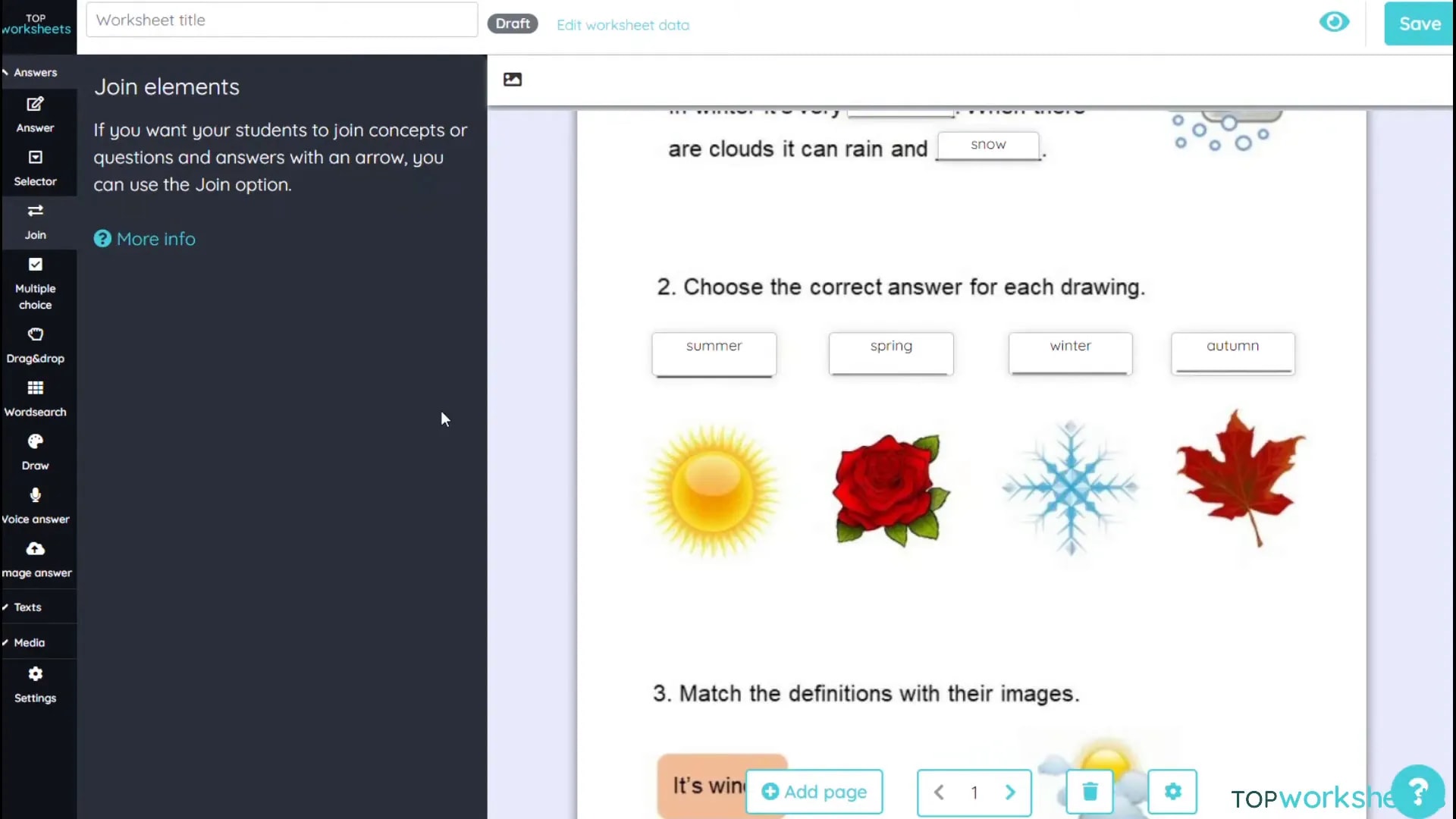
The Join tool is an excellent feature for creating matching exercises. This tool allows you to pair definitions with corresponding images or answers seamlessly. Simply drag and drop boxes to set up your matching pairs.
As you create these pairs, the platform automatically connects them, ensuring a smooth user experience for your students. This tool is especially popular as it combines visual and textual learning, aiding comprehension.
Creating a Word Search
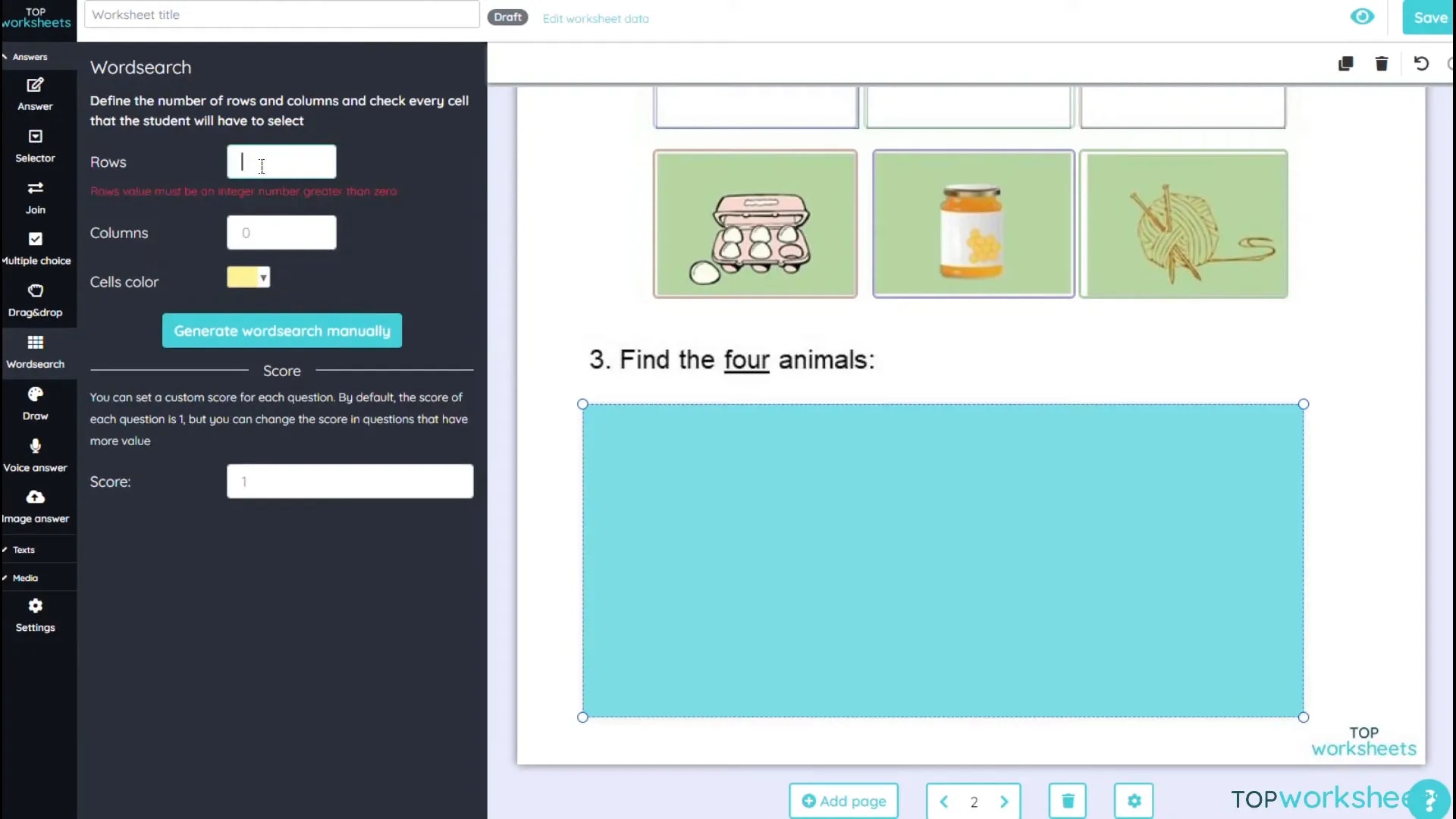
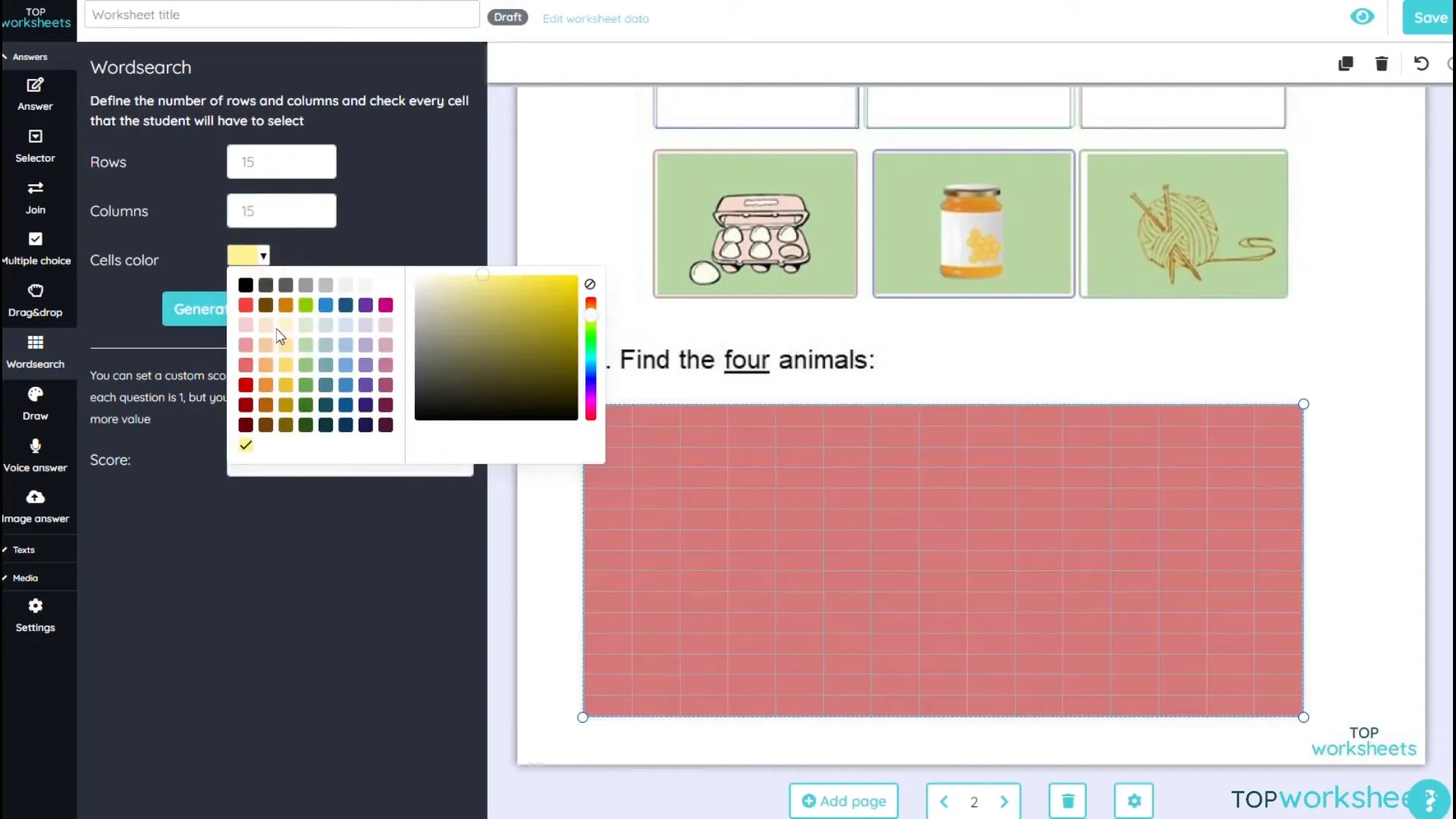
Word searches are a fun way to engage students in vocabulary building. With Top Worksheets, generating a word search is simple. You can specify the number of rows and columns, as well as the colours of the cells.
After setting up your parameters, just input the words students need to find. The platform will automatically generate the word search for you, making it a quick and enjoyable addition to your worksheets.
Adding Answers and Interaction
Interactivity is key to making your worksheets engaging. Top Worksheets allows you to incorporate various answer types, including multiple choice, drag and drop, and open-ended questions. This variety keeps students interested and caters to different learning preferences.
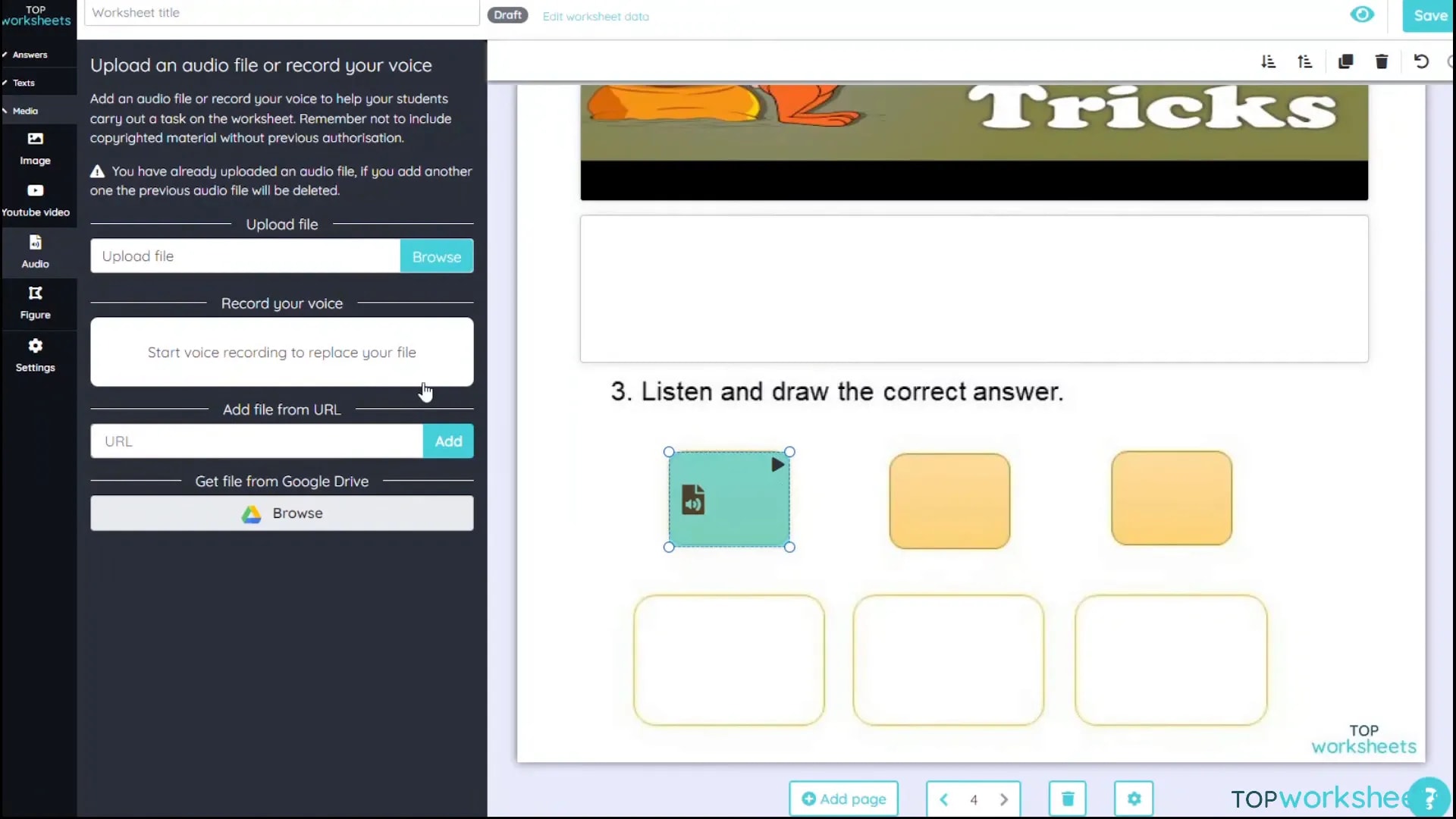
You can also add multimedia elements such as images, videos, and audio recordings to enhance the learning experience. For example, students can respond to questions with voice recordings, making the activity more interactive.
Advanced Tools: Drag and Drop
The Drag and Drop tool is one of the most engaging features of Top Worksheets. It allows students to actively participate by moving items on the worksheet, making learning interactive and fun. This tool is particularly effective for categorisation tasks, where students can drag items into the correct categories.
To create a Drag and Drop activity, simply add a box for the items students need to move and another box where they will drop them. You can customise the items and their drop targets to fit the lesson theme. This hands-on interaction helps reinforce learning concepts.
Incorporating Multimedia: Images, Videos, and Audio
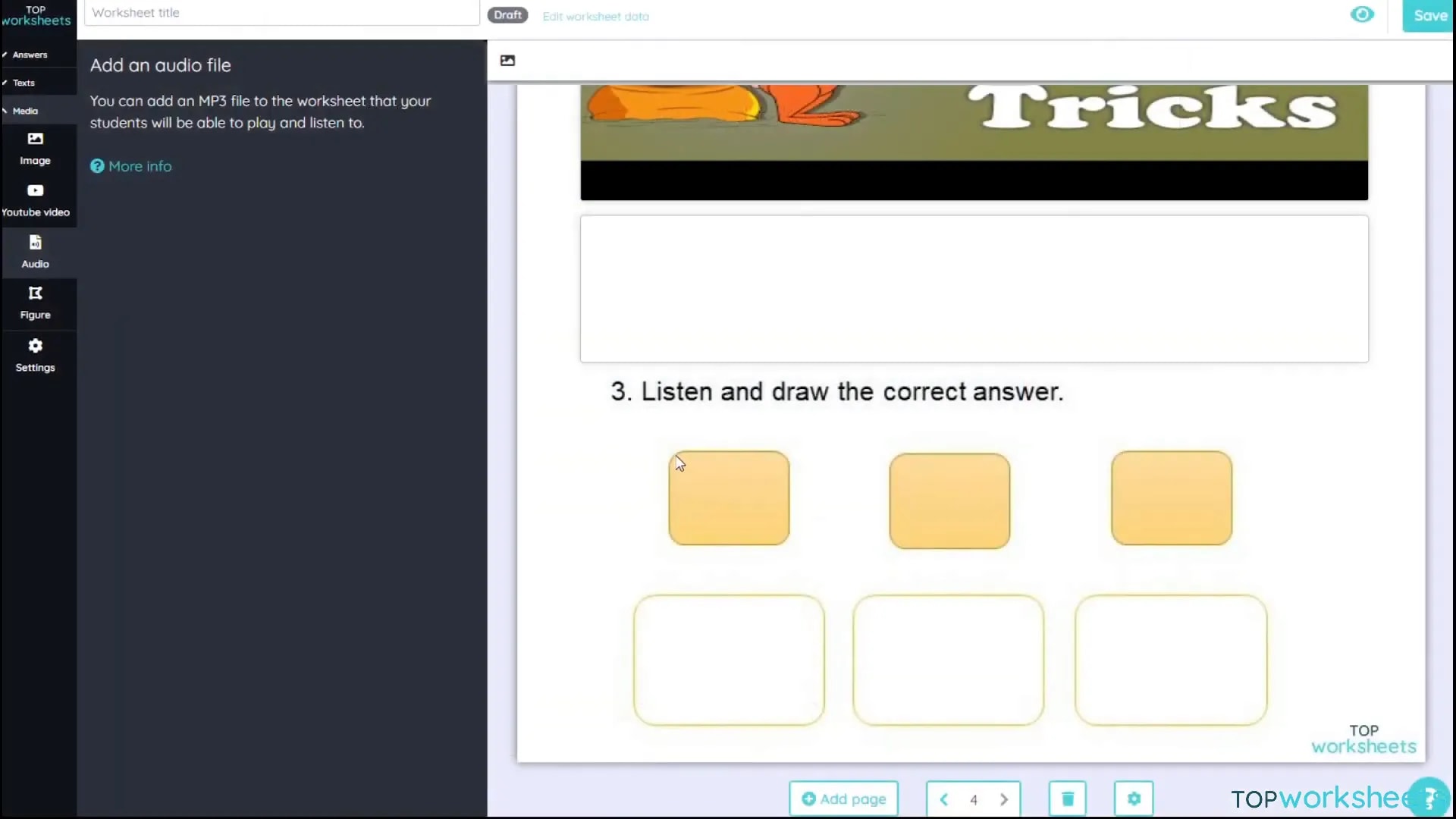
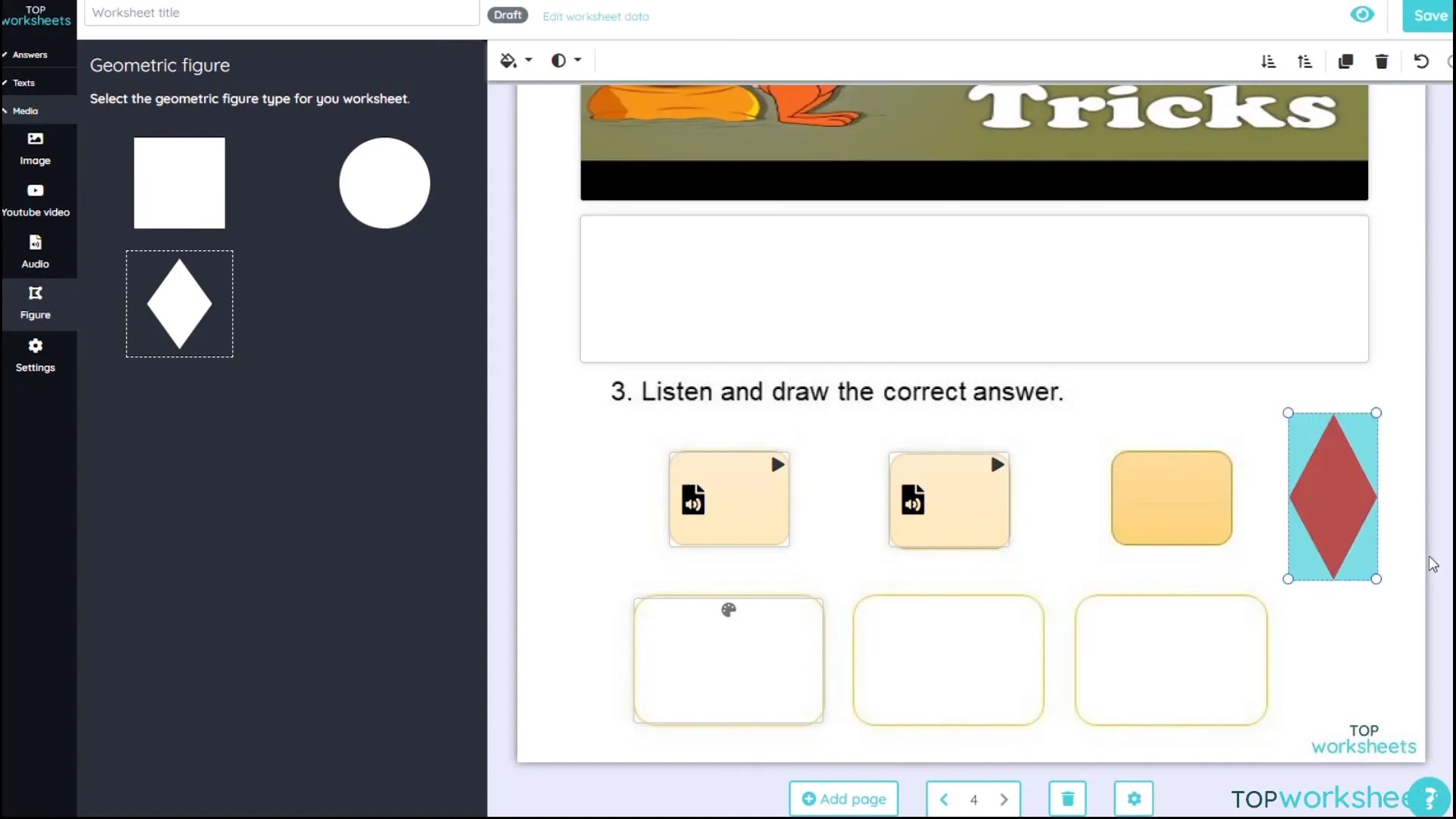
Top Worksheets allows you to enrich your worksheets with multimedia elements, significantly enhancing the learning experience. Incorporating images, videos, and audio can cater to different learning styles and keep students engaged.
- Images: Use images to illustrate concepts or to provide visual cues. You can upload images directly from your computer, ensuring they are relevant to your lesson.
- Videos: Adding video content can help explain complex topics. Simply copy the video link, paste it into the designated area, and it will be embedded in the worksheet for easy access.
- Audio: Voice recordings can provide instructions or additional context. You can record your voice directly within the platform, making it easy to personalise your worksheets.
Finalizing Your Worksheet
Once you’ve added all your content, it’s time to finalize your worksheet. Review all the elements to ensure they function correctly and are visually appealing. Make adjustments to the layout and settings as needed.
Don’t forget to set scoring rules and how the worksheet will be graded. You can choose to ignore punctuation or accents, which can be beneficial for language assessments. After finalizing, add a title and save your work.
Sharing Your Interactive Worksheets
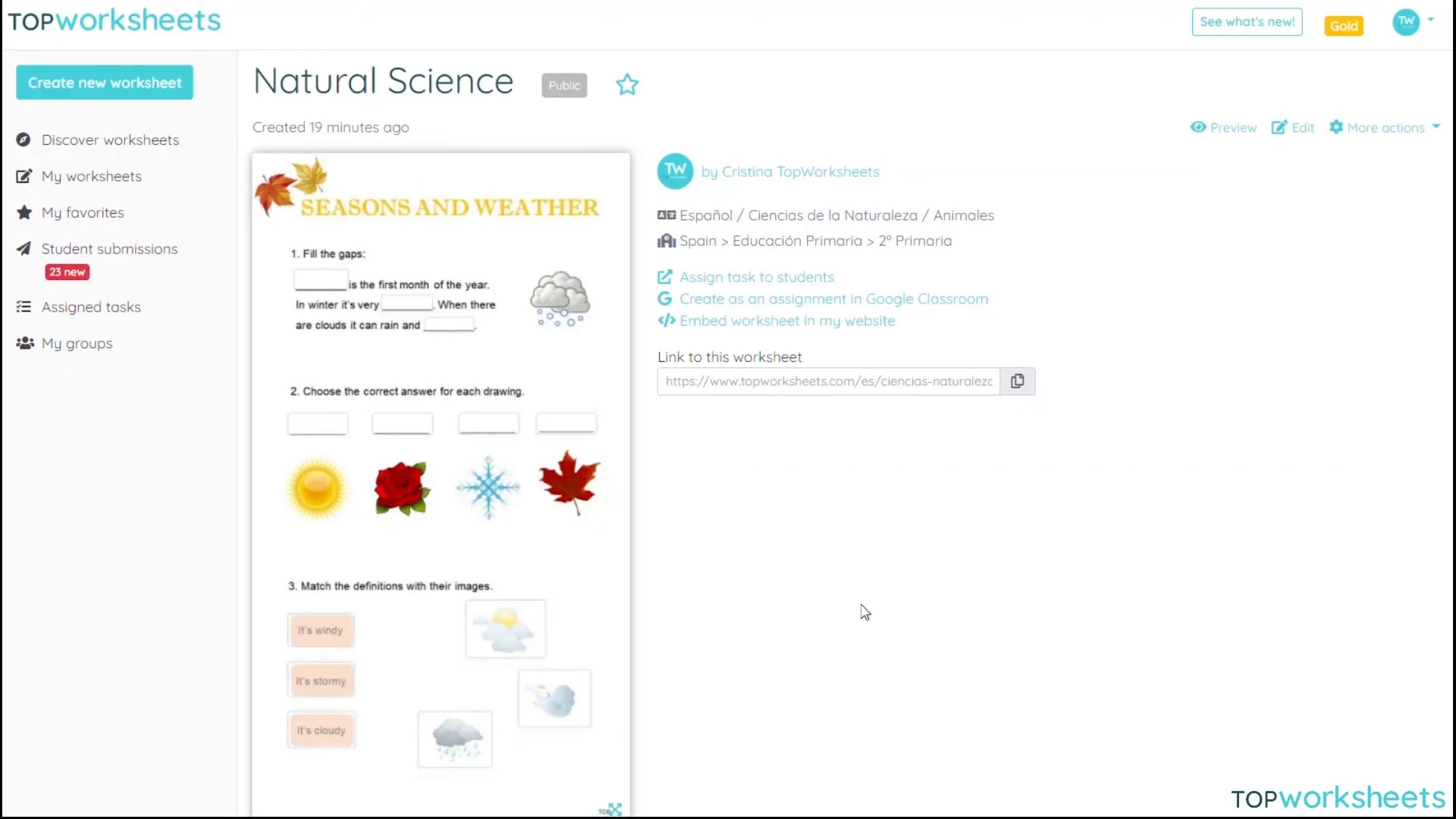
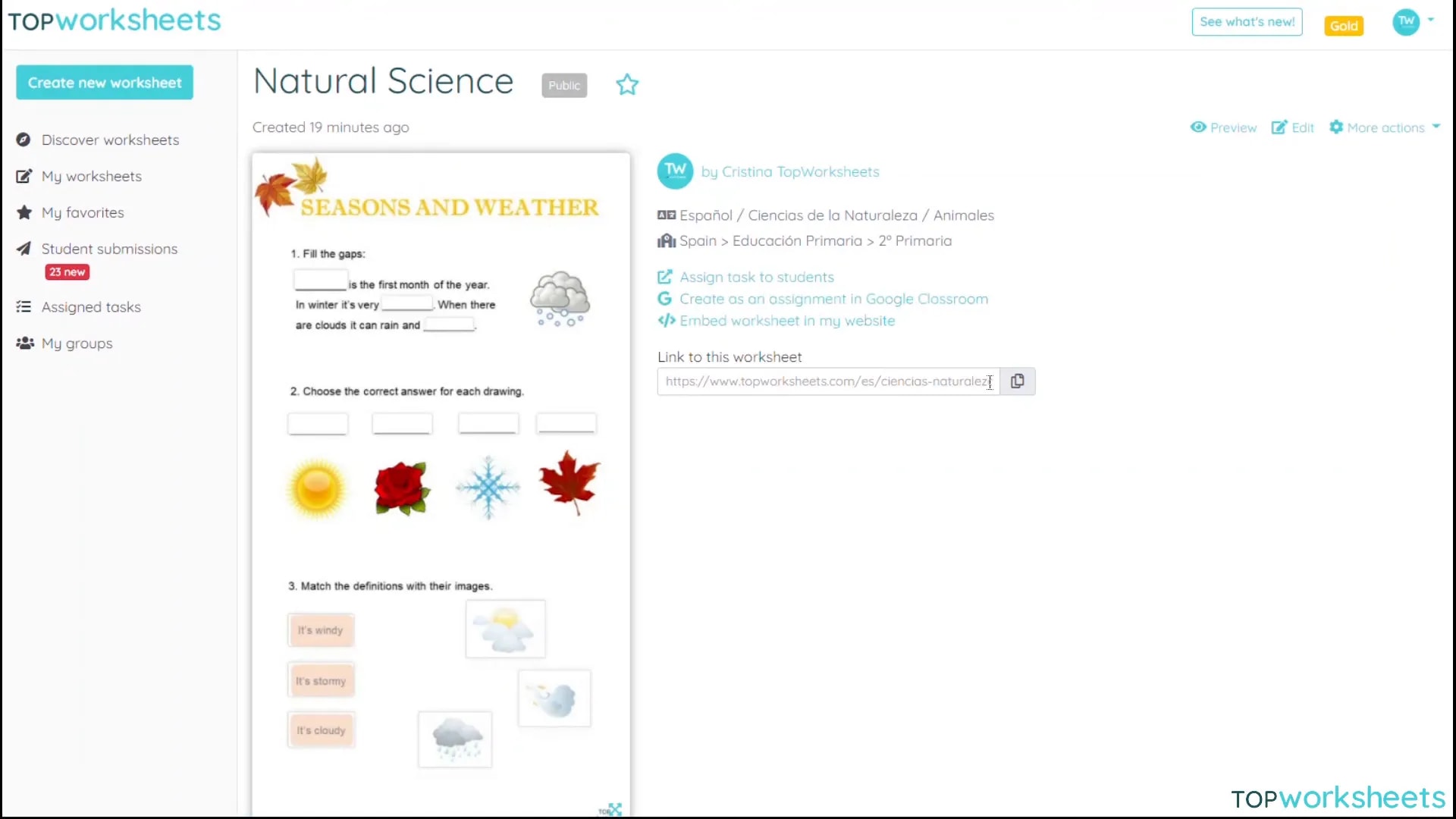
After creating your interactive worksheet, sharing it with students is straightforward. Top Worksheets offers various sharing options, including links, email invitations, or direct sharing to educational platforms.
You can choose to make your worksheet public or restrict access to specific users. This flexibility allows you to tailor the sharing process to your classroom needs.
FAQs About Top Worksheets
Here are some frequently asked questions that can help you navigate the platform more effectively:
- Is Top Worksheets free to use? Yes, Top Worksheets offers a free version with basic features. Premium options are available for advanced functionalities.
- Can I track student progress? Yes, the platform provides analytics to track student completion rates and performance on individual activities.
- What types of activities can I create? You can create a wide range of activities, including quizzes, word searches, matching exercises, and more. The flexibility of the platform allows for creativity in lesson design.
- How can I get help if I encounter issues? Top Worksheets has a dedicated support section with tutorials and FAQs. You can also contact their support team for assistance.
Leave a Reply