

If you still run lessons through DMs, spreadsheets, and reminder emails, scheduling can become the biggest drag on growth. Tutors lose valuable hours to booking back-and-forth, time zone mix-ups, double bookings, and manual changes. The right system reduces that work while making the experience clearer for students, parents, and tutors.
This guide covers 7 Must-Have Features in a Class Scheduling App for Tutors who want to cut admin, avoid scheduling errors, and build a tutoring business that can grow beyond manually managed one-to-one lessons.
Key Takeaways
Integrated booking and payment flows reduce back-and-forth before a class is confirmed.
Automatic reminders and alerts keep students informed about upcoming and changed lessons.
Student portals and live-class links create a clearer experience for learners and parents.
Scalable platforms support recurring lessons, groups, courses, and other tutoring formats.
Table of Contents
- Why tutors need more than a basic calendar
- 1. A booking page with an onboarding flow and payment integration
- 2. Automatic reminders and schedule-change alerts
- 3. A student or client portal
- 4. Direct links to live classes
- 5. Payments, class credits, and invoices
- 6. Analytics that support smarter growth
- 7. Support for group classes, courses, and long-term growth
- How to choose the right class scheduling app
- Common scheduling mistakes tutors can avoid
- Build a simpler tutoring workflow
Why tutors need more than a basic calendar
A calendar alone can show available times, but it does not necessarily handle the full tutoring workflow. Students may still need to message for confirmation, ask where to join a lesson, request a change, or check whether they have paid. Each small question creates more manual work.
A capable scheduling app brings the important parts of running lessons together. It should help students book with confidence, prevent timetable conflicts, support recurring classes, and automatically keep everyone informed when plans change.
When comparing options, use this list of 7 Must-Have Features in a Class Scheduling App for Tutors as a practical checklist. The goal is not simply to fill a calendar. It is to create a smoother path from first booking through attendance, payment, and future learning.
1. A booking page with an onboarding flow and payment integration
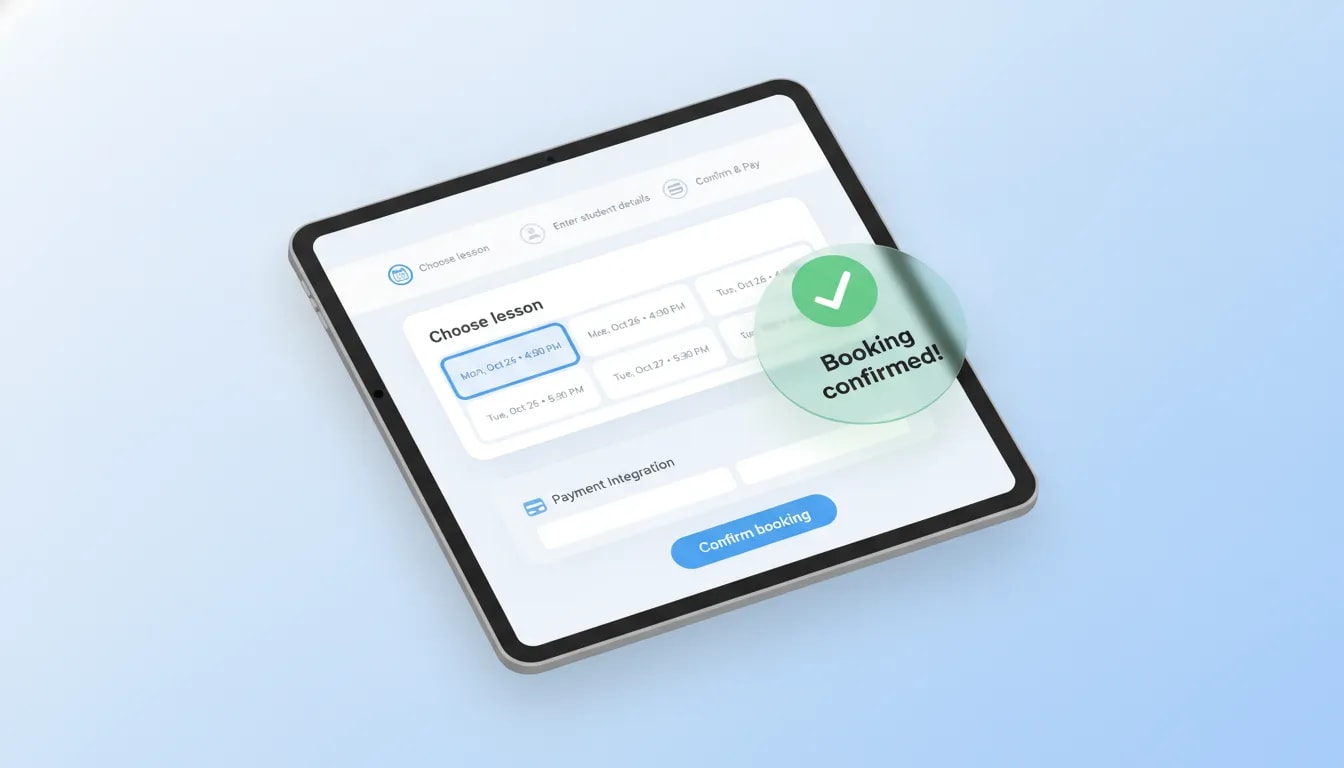
Your booking page should do more than display open time slots. It should give a new student or parent a clear way to understand the available class options, choose the right lesson, and complete the booking without a long message exchange.
A useful onboarding flow helps people move from interest to a confirmed class. They should be able to select a suitable time, provide the needed details, and know what happens next. Connecting the booking experience to payments also avoids the common problem of treating scheduling and payment as two separate tasks.
This matters because manual booking creates avoidable uncertainty. A student may request a time that has already been taken, or a tutor may spend time confirming availability before knowing whether the learner intends to proceed.
Look for a system that makes the booking page part of your tutoring operation rather than a standalone calendar. A smart booking calendar for educators can bring booking, availability, class formats, and payment into one clearer flow.
2. Automatic reminders and schedule-change alerts
Students and parents need timely updates, especially when a class is booked, rescheduled, or approaching. Without automation, tutors often end up sending the same reminder messages repeatedly and chasing confirmations manually.
One of the most important items in 7 Must-Have Features in a Class Scheduling App for Tutors is automatic communication. Reminders help reduce missed classes, while schedule-change alerts ensure that people have the latest lesson details.
Choose an app that can notify the relevant people when:
A new class is confirmed
A recurring lesson is coming up
A class time changes
A lesson is cancelled or rescheduled
Automated reminders do not replace good teaching communication. They remove routine administrative messages so tutors can focus on teaching and supporting learners. Learn more about how automated class email reminders can keep schedules up to date without constant manual follow-up.
3. A student or client portal
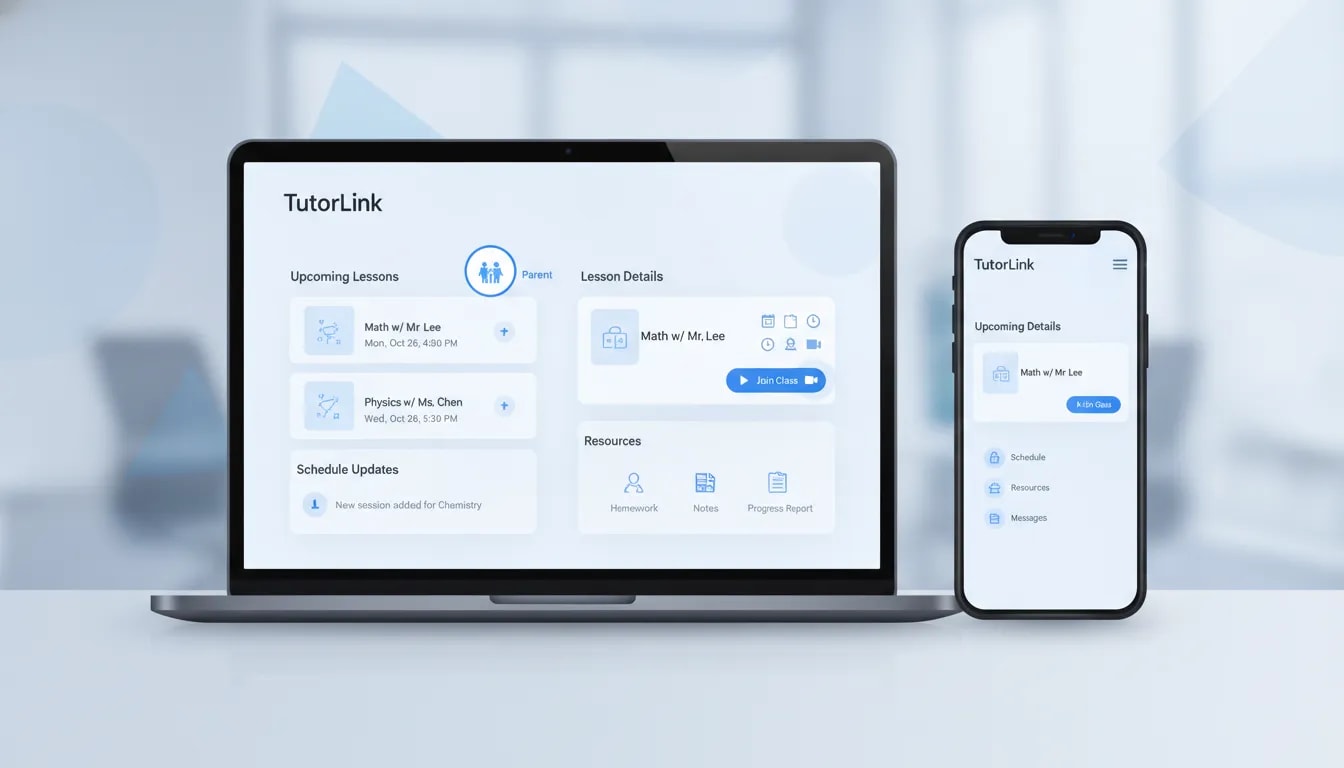
A student portal gives learners one place to manage their tutoring relationship. Instead of searching through old messages, they can access the information connected to their classes in a single, organized space.
For tutors, this reduces repetitive questions about schedules, booked lessons, and updates. For students and parents, it makes the service feel easier to use because important details are not scattered across different channels.
A portal is particularly helpful when a parent is involved in arranging or monitoring lessons. They should be able to stay aware of the schedule and relevant updates without requiring the tutor to send individual messages each time.
As you review the Must-Have Features in a Class Scheduling App for Tutors, consider whether the app gives every student a clear self-service area. This feature becomes more valuable as the number of learners grows.
4. Direct links to live classes
A confirmed appointment is only useful if students can easily join the lesson. A scheduling app should connect class bookings with the live class experience so learners know where to go at the scheduled time.
This creates a more seamless tutoring workflow. Rather than sending meeting links separately or answering last-minute questions, the tutor can keep class access associated with the scheduled session.
For online tutoring, look for a setup that keeps these details connected:
The lesson date and time
The student or group attending
The live class access information
Any updates when the schedule changes
Keeping scheduling and live classes connected helps students arrive prepared and reduces the administrative work that often happens shortly before a lesson begins.

5. Payments, class credits, and invoices
Booking payment integration helps a student complete an initial reservation. However, tutors also need an organized way to manage the financial side of ongoing lessons. That is why payments and invoices deserve their own place among the 7 Must-Have Features in a Class Scheduling App for Tutors.
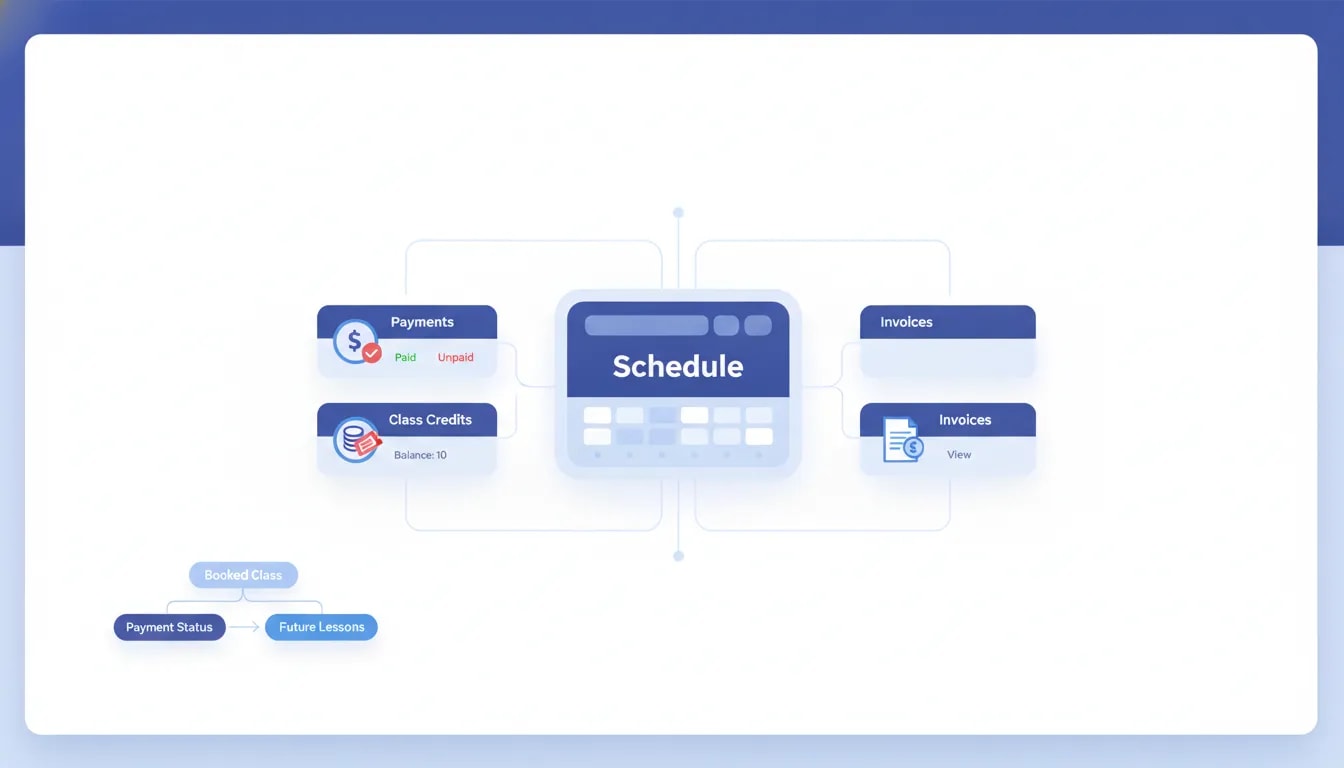
A tutoring business may need to track payments across individual sessions, packages, future class credits, reschedules, and refunds. When this information is separated from the schedule, it becomes harder to see whether each booked class is properly accounted for.
An integrated system can make it easier to connect bookings with payments and maintain a clearer record of transactions. It also supports a more straightforward experience for students, who can book and pay through the same service rather than navigating multiple tools.
For a closer look at this workflow, see how integrated tutoring payments and class credits can connect payment status with enrollment and future bookings.
6. Analytics that support smarter growth
Scheduling data can show more than what is happening next week. It can help tutors understand how their business is operating and where they may need to improve their offer.
Analytics give tutors a more organized view of activity across classes and learners. Instead of relying on memory or scattered spreadsheets, they can use their platform to track progress and make more informed decisions as their schedule becomes busier.
This is one of the must-have Features in a Class Scheduling App for Tutors that is easy to overlook early on. Yet as the number of classes increases, having a central view of activity becomes increasingly useful for planning what comes next.
The important point is not to collect data for its own sake. Use it to understand your tutoring operation, identify where administration is taking time, and make choices that support sustainable growth.
7. Support for group classes, courses, and long-term growth
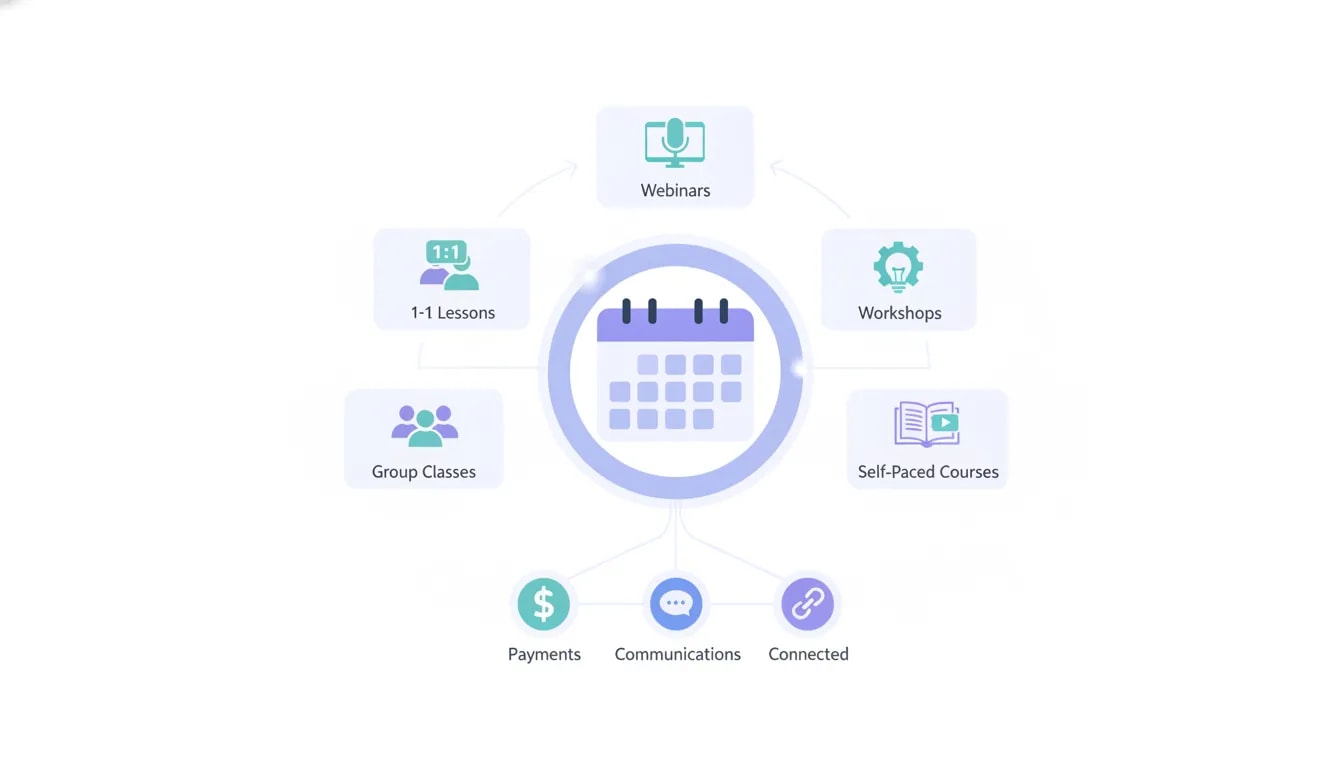
The best scheduling app should support tutors at the beginning of their business and remain useful as their teaching model develops. A tutor may start with one-to-one lessons but later add group classes, workshops, self-paced courses, webinars, or hybrid learning options.
A platform built only for individual appointments can become restrictive once your offerings expand. In contrast, a broader tutoring hub can help you manage different class types without moving students, payments, schedules, and communications into separate systems.
This final feature completes the list of 7 Must-Have Features in a Class Scheduling App for Tutors: choose a solution that can support your current workflow while giving you room to build more than a calendar-based service.
How to choose the right class scheduling app
Before committing to a tool, map the journey a student takes from first contact through attending a class. Then check whether the app supports each stage without creating extra manual work.
Use this quick evaluation checklist
Booking: Can students or parents choose a suitable time without lengthy back-and-forth?
Accuracy: Does the system help avoid double bookings and time zone confusion?
Communication: Are reminders and rescheduling alerts automated?
Access: Can students find their schedule and live class details in one place?
Payments: Can you connect bookings, payments, credits, and invoices?
Growth: Can the platform handle recurring lessons, groups, and additional course formats?
Common scheduling mistakes tutors can avoid
Even a strong platform will not help much if the workflow is unclear. Avoid these common issues when setting up your tutoring schedule.
Using too many disconnected tools
A separate calendar, payment system, messaging thread, spreadsheet, and live-class link can work for a small number of lessons. Over time, it increases the chance that information will be missed or updated in one place but not another.
Leaving rescheduling rules unclear
Students need to understand what happens when plans change. A scheduling system should make changes manageable and communicate the updated information automatically.
Choosing a system only for today’s workload
A basic calendar may feel sufficient when you teach a few one-to-one lessons. If you plan to offer groups, courses, or other formats later, choose a platform that can support those options from the start.
Build a simpler tutoring workflow
The right scheduling setup gives tutors more control over their time and gives students a more reliable booking experience. Rather than manually coordinating every class, you can create a system that handles bookings, updates, class access, payments, and growth in one connected workflow.
SuperTeacher covers the 7 Must-Have Features in a Class Scheduling App for Tutors, helping tutors manage bookings, reminders, learner information, payments, and multiple teaching formats in one place. Feel free to explore and happy teaching!
Sign up with SuperTeacher
Register for free, pick the right plan later
Frequently Asked Questions
What should a class scheduling app do for tutors?
A class scheduling app should automate bookings, help prevent conflicts, manage recurring classes, send updates, and keep key tutoring information organized.
Why should tutors connect scheduling and payments?
Connecting payments to booking reduces manual coordination and gives students a simpler way to reserve and pay for classes in one process.
Can a scheduling app support group tutoring as well as one-to-one lessons?
Yes. A scalable tutoring platform can support one-to-one sessions alongside group classes, workshops, webinars, self-paced courses, and hybrid options.
How do automated reminders help tutoring businesses?
Automated reminders reduce the need to send routine messages manually and help students stay informed about upcoming classes and schedule changes.
Leave a Reply