
Which Scheduling Software Is Best for Independent Tutors in 2026?
Choosing the right scheduling software can make or break an independent tutor’s business. For independent tutors, the right scheduling software is more than a digital calendar – it is a tool that saves time, reduces admin work, and creates a smoother experience for students.
You need a booking system that reduces admin work, makes it easy for students or parents to book lessons, handles schedule changes clearly, and keeps payments connected to the classes being delivered.
A basic scheduling app can work well when you only offer occasional one-to-one sessions. However, as you add recurring students, different class types, lesson packages, parents, payments, and rescheduling rules, a dedicated tutor management platform can save significant time and prevent avoidable misunderstandings.
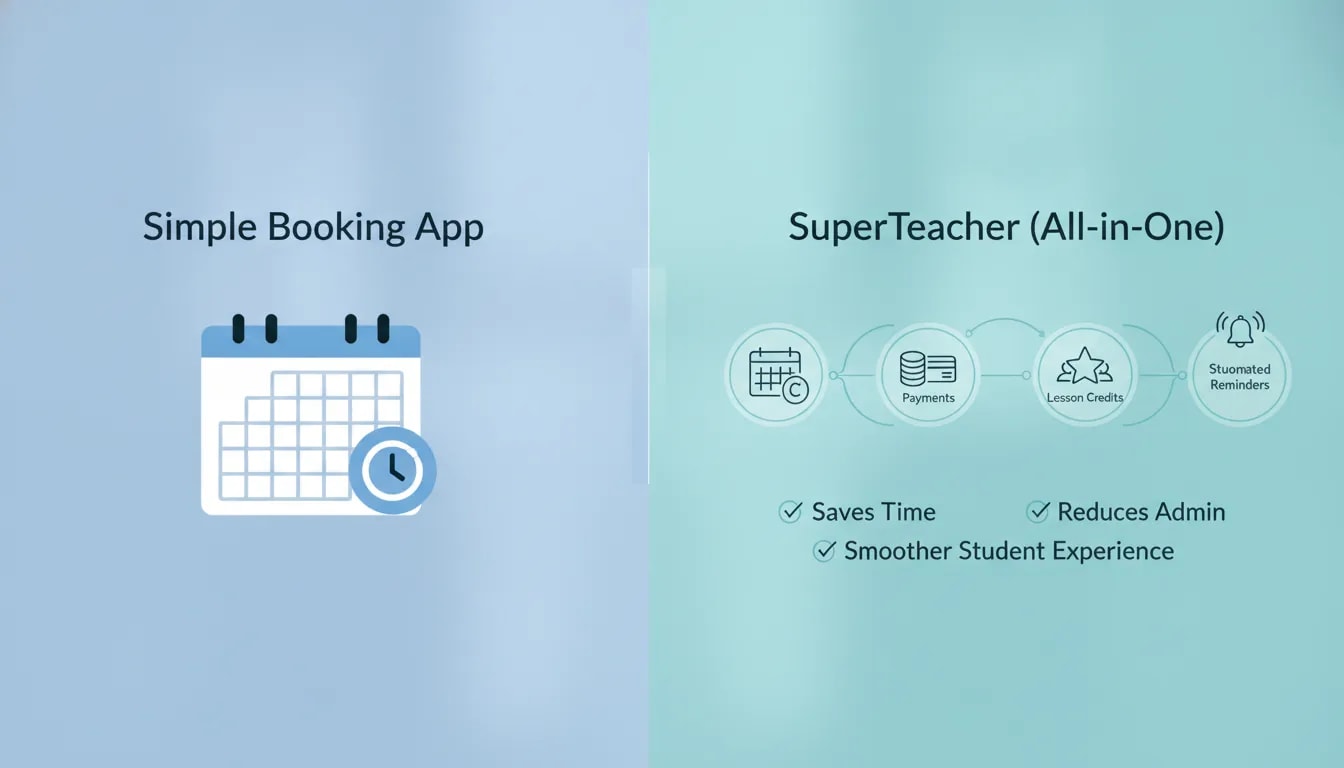
For most independent tutors, the best choice depends on how much of the client journey you need to manage. If you need only a link for students to select an available time, a general booking app may be enough. If you want booking, payments, class credits, attendance, communication, and student access in one place, SuperTeacher is built for the wider needs of a teaching business.
What should independent tutors look for in scheduling software?
Before comparing tools, start with the everyday tasks that take time outside your paid teaching hours. A useful scheduling system should make these tasks easier, not create another platform you need to manage manually.
- Fast self-service booking: Students should be able to see suitable times and book without a long message exchange.
- Time zone support: Your availability needs to make sense for learners booking from other countries.
- Recurring lesson management: Regular weekly classes should not require you to rebuild the schedule repeatedly.
- Clear rescheduling rules: Students need to understand when and how they can move a class.
- Automatic reminders and confirmations: These reduce the need for individual follow-up messages.
- Integrated payment tracking: You should be able to see what has been purchased, booked, completed, cancelled, or refunded.
- Student and parent access: Learners and families should be able to find schedules, materials, and class information themselves.
When evaluating any booking tool, focus less on the number of calendar settings and more on whether it removes the repetitive work that happens before and after each class.

Scheduling experience and workflow: why booking speed matters
Independent tutors often manage their teaching, sales, messages, scheduling, and payment administration alone. Even a short exchange to find a suitable time can become time-consuming when it happens across several students each week.
A strong booking workflow allows students to choose from your available times directly. Rather than sending lists of possible slots, checking replies, and manually updating a calendar, you can provide one clear route to booking.
Time zones should be handled automatically
Time zones are one of the most common sources of scheduling mistakes for online tutors. If you teach internationally, a booking system should present availability appropriately for the person booking while keeping your teaching calendar accurate.
SuperTeacher includes smart scheduling that adjusts availability across time zones. This helps students book with more confidence while reducing the risk of missed classes caused by time zone confusion.
Recurring lessons need a reliable structure
Many tutors rely on regular weekly classes. A simple booking link may help a student select one lesson, but a tutoring workflow also needs a clear way to manage ongoing bookings, attendance, lesson credits, and occasional changes to the usual time.
Think about the journey from the student’s perspective :
The student or parent purchases a class package or service ;
They book a suitable lesson timeThe system records the booking and sends confirmations or reminders;
The lesson is completed and the relevant credit is tracked ;
If necessary, the student reschedules within your rules.
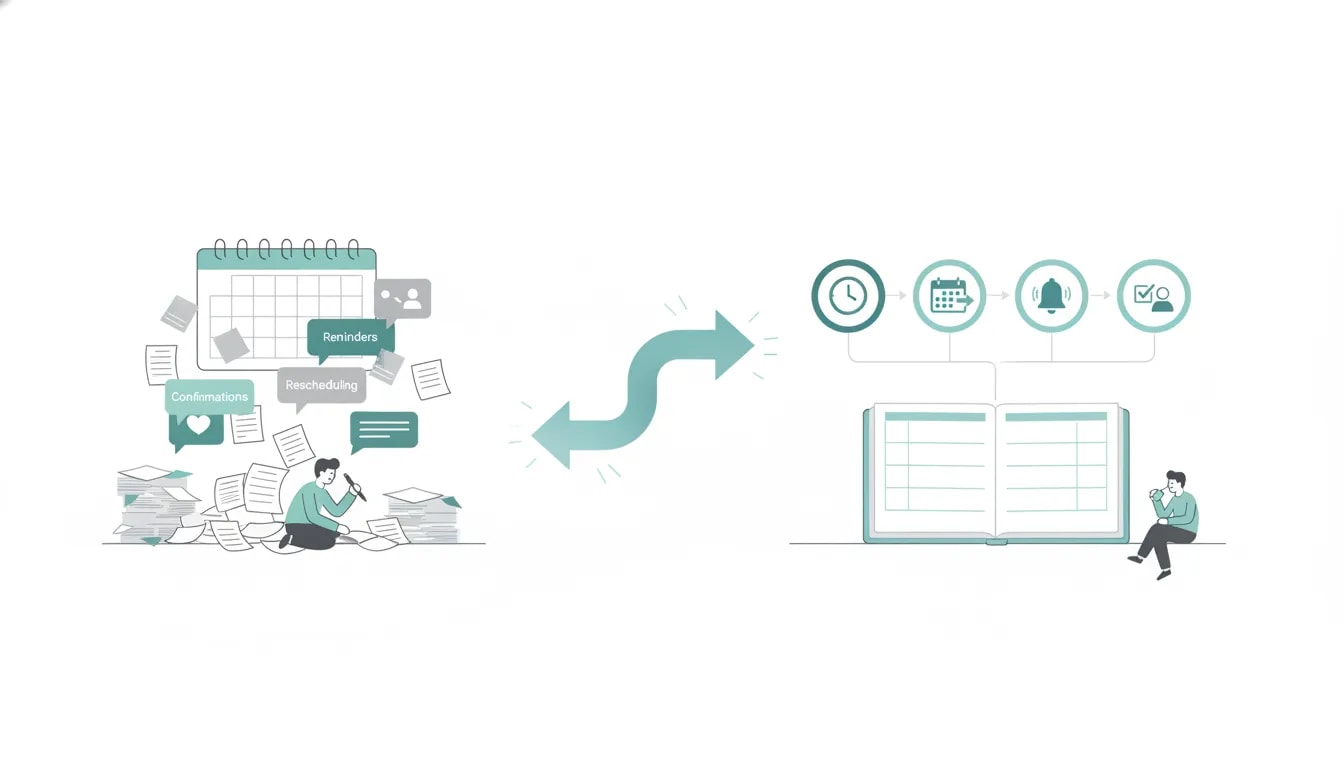
When these actions happen in separate tools, you often have to check calendars, payment records, and messages manually. An integrated workflow keeps the process clearer for everyone.
Automation is more valuable than manual follow-up
Manual follow-up may feel manageable with a handful of clients. It becomes harder as your timetable fills. Booking confirmations, reminders, calendar updates, follow-up messages, and rescheduling replies are all small tasks, but they add up quickly.
SuperTeacher automates class booking, confirmations, reminders, follow-ups, attendance tracking, and calendar updates following a reschedule. You can learn more about its automated class booking, scheduling, tracking, and rescheduling features.
Why booking and payment should happen together
A booking is not always the same as a paid lesson. If your calendar, invoices, transfers, packages, and cancellations are handled in separate places, it can be difficult to know exactly what a student has available.
For independent tutors, connecting payment to booking creates a more controlled and transparent process. It helps you avoid questions such as:
Has this student paid for this lesson?
How many sessions remain in their package
Can they book another class
Was the class cancelled, refunded, or moved?
Does this parent have credits available for more than one child?
Packages, credits, and subscriptions
Class packages and credits give you a practical way to sell a series of lessons while allowing students to use their purchases for future bookings. They also help students understand what they have already bought and what remains available.
SuperTeacher supports payments alongside class bookings, with credits that can be used for future classes, rescheduling, or cancellations according to your setup. Payment completion can also trigger automatic enrollment, helping keep the booking process connected to the purchased service.
Refunds, cancellations, and balance tracking
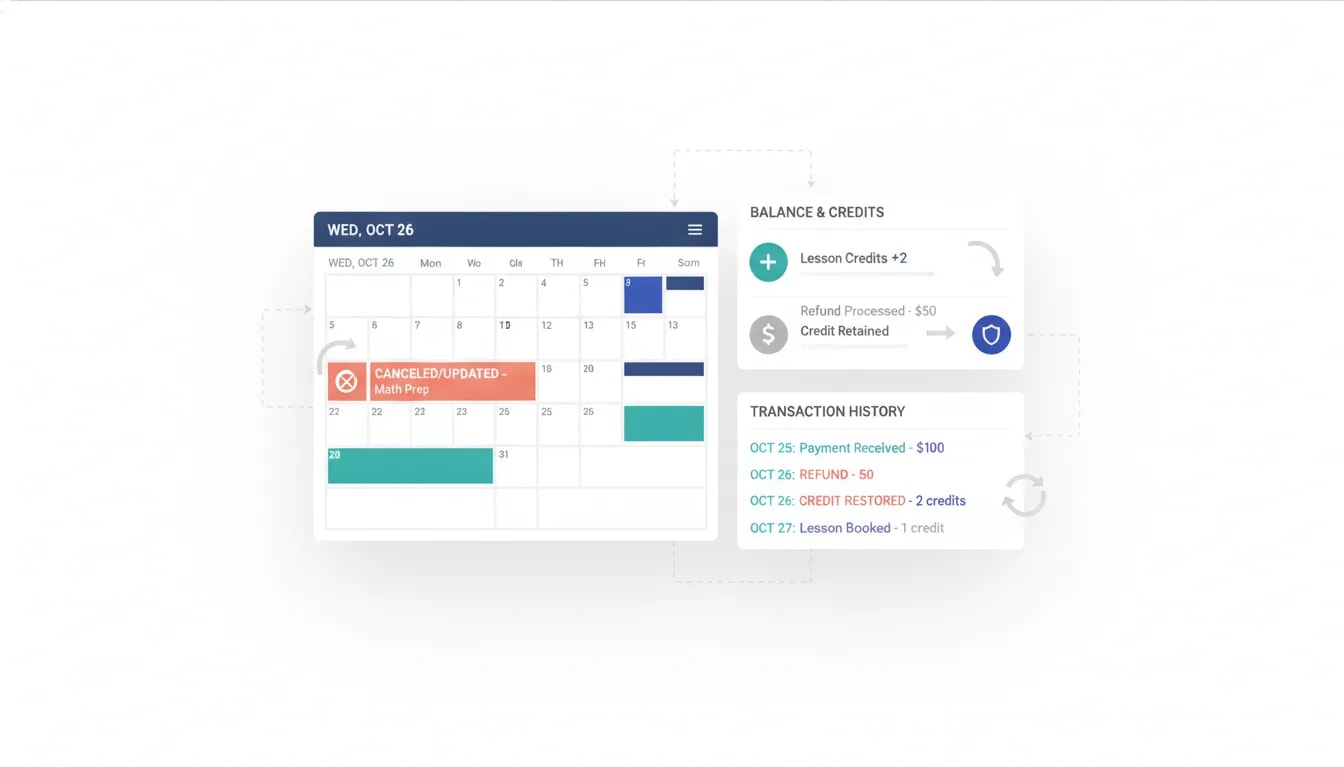
A good system should not treat cancellation as an afterthought. You need a clear record of whether a lesson credit is restored, retained, transferred to another booking, or refunded.
Centralized payment tracking makes it easier to see transactions and manage credits or refunds without searching across messages and spreadsheets. For tutors who want payment and booking in one workflow, the SuperTeacher payments system is designed to support class purchases, credits, transparent payment records, and refund management.
Student experience and self-service
Scheduling software is not only for your convenience. It also affects how professional and straightforward your service feels to students and parents.
A dedicated booking page gives clients a clear next step. Instead of asking them to navigate several messages or send availability by email, you can direct them to one place where they can book the right class type and time.
A professional booking page supports a smoother client journey
When your booking page reflects the services you offer, students can make decisions with less back-and-forth. This is especially useful if you offer different lesson formats, such as one-to-one tutoring, group classes, webinars, self-paced learning, or hybrid options.
The goal is not to add unnecessary complexity. It is to remove friction between a student deciding to learn with you and successfully booking their first or next class.
What students and parents need access to
After booking, clients should not have to contact you for every routine detail. A student portal can give learners access to their booked and purchased classes, materials, homework, messages, and purchase history.
For younger learners, parent access can be equally useful. A parent portal can help families keep track of class schedules, student progress, learning materials, important updates, and payments.
Students benefit from: a clear calendar, lesson access, reminders, homework, materials, private messages, and visibility of purchased classes.
Parents benefit from: schedule visibility, progress information, materials for home learning, communication, updates, and payment transparency.
Tutors benefit from: fewer routine questions and a more organized client experience.
SuperTeacher provides a student portal where learners can manage their class information, materials, homework, credits, and communication. Parent access is also available for tutors who need to keep families informed.
Sign up with SuperTeacher
Register for free, pick the right plan later
How much scheduling software does an independent tutor actually need?
You do not need the same software setup as a large tutoring agency. The right choice should match the complexity of your services today while leaving room for your business to grow.
When a simple scheduling app is enough
A general booking app may be suitable when you have 1-2 clients and a straightforward service model. It can be a reasonable choice if you:
Offer mostly occasional one-to-one sessions.
Accept payment separately and do not need lesson-credit tracking.
Do not manage parent accounts, homework, or learning materials in the same system.
Are comfortable handling cancellations, reminders, and client messages manually.
Only need a simple calendar link that shows your availability.
This approach can be effective, but it often creates more admin as the number of students and bookings increases.
When a tutor management platform makes more sense
A tutoring platform is usually the better fit when your lessons involve repeat bookings, packages, multiple service types, parent communication, or a need for clearer payment control.
Choose an all-in-one approach when you want to manage:
Class booking and payment in a connected process.
Lesson packages and session credits
Recurring bookings and rescheduling rules
Automated confirmations, reminders, and follow-up
Attendance tracking.
Student access to classes, homework, and materials.
Parent visibility for schedules, progress, and payments.
Private communication with clients.
General booking app vs SuperTeacher for tutors
Feature area | General booking app | SuperTeacher |
|---|---|---|
Basic appointment booking | Usually available | Available for different educational class formats |
Time zone scheduling | May be available depending on the tool | Smart scheduling adjusts availability across time zones |
Payments connected to bookings | May require separate payment handling | Supports booking and payment in one process |
Lesson packages and credits | Often limited or handled separately | Tracks class credits for future bookings, changes, and cancellations |
Rescheduling workflow | May require manual handling | Supports rule-based rescheduling with calendar updates |
Student and parent portals | Usually not designed for education management | Includes dedicated student and parent access |
Homework and materials | Usually managed elsewhere | Students can access purchased classes and learning materials |
Attendance tracking | May be limited | Built into the education-focused workflow |
What to prioritize before choosing a scheduling tool
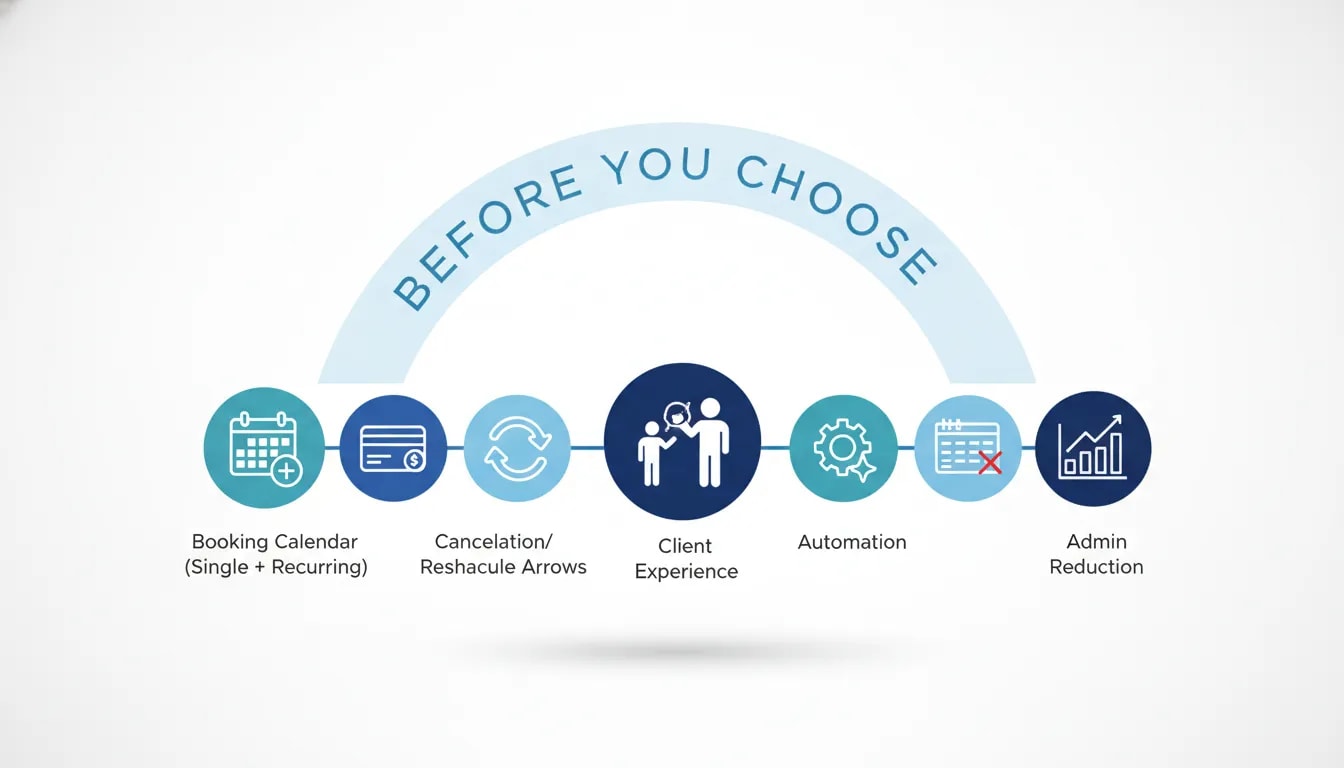
Use this checklist to identify the features that will make the greatest difference to your teaching business.
Start with your booking model. Decide whether students book single lessons, recurring sessions, packages, groups, or a mix of formats.
Consider payment before selecting a calendar. If you sell credits or lesson packages, make sure your system can clearly connect purchases to bookings.
Set your cancellation and rescheduling rules. Choose a system that can support the boundaries you need rather than relying on individual message negotiations.
Think about the client experience. Consider what students and parents need to find independently, including schedules, materials, homework, and payment records.
Reduce duplicate admin. Prioritize tools that replace manual reminders, tracking spreadsheets, and repeated status updates.
Choose for your next stage of growth. A simple scheduler may solve today’s problem, but an integrated platform may be a better long-term fit if you are building a regular client base.
Final verdict: which scheduling software should you choose?
Choose a general booking app if you need a simple way for a small number of clients to select appointment times and you are happy to manage payments, lesson records, and communication separately.
Choose SuperTeacher if you want an all-in-one client journey for your tutoring business. It is designed to bring together booking, time zone scheduling, payments, credits, rescheduling, attendance, student access, parent communication, and learning materials.
For an independent tutor, the best scheduling software is the one that gives students a simple booking experience while protecting your time outside lessons. When your calendar, payments, and client information work together, you can spend less time on administration and more time teaching.
Frequently asked questions
Can students book and pay for tutoring classes in the same place?
Yes. SuperTeacher is designed to let learners book and pay for classes in one process. After payment, learners can be automatically enrolled, while class credits can be tracked for future bookings.
Can students reschedule their tutoring sessions?
Students can reschedule according to the rules you define. SuperTeacher updates the calendar automatically and connects rescheduling to payments and class credits, helping keep booking records accurate.
Does SuperTeacher work for group classes as well as one-to-one tutoring?
Yes. SuperTeacher supports multiple educational formats, including one-to-one lessons, group classes, webinars, self-paced learning, and hybrid classes.
Can parents see their child’s tutoring schedule and progress?
Yes. The parent portal is designed to share schedules, progress information, learning materials, payment details, important updates, and direct communication with parents.
Can I track lesson credits and payment history?
Yes. SuperTeacher provides centralized payment tracking and session-credit management, helping you and your clients see purchased classes, available credits, and transaction history more clearly.
Is there a free way to try SuperTeacher?
You can register and explore the available options before choosing the plan that fits your tutoring business. Visit the SuperTeacher FAQ page for sign-up, plan, payment, and platform guidance.
Leave a Reply